AI Video Generator
 AI Image to Video
 AI Text to Video
 AI Image Generator
 AI Image to Image
 AI Text to Image
 AI Video Generator
 AI Image Effects

 Bring your imagination to life with powerful Viyou AI tools.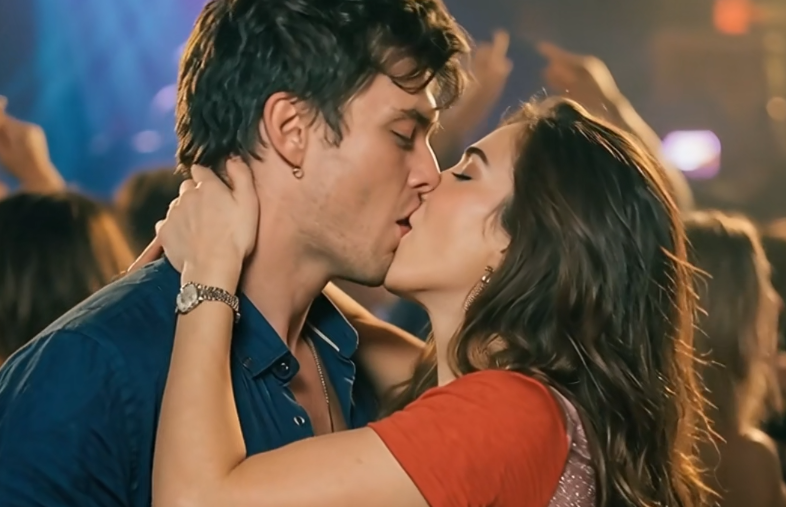
Are you tired of just scrolling past everyone else’s romantic edits on your feed?
Lately, social media has been flooded with mind-blowing videos that completely break the fourth wall. We’re talking long-distance couples kissing across split screens, fan-favorite anime characters sharing a romantic moment in the middle of a real-world city, and people creating dream encounters with their favorite celebrities.
Guess what? You don’t need a Hollywood special effects team to make these heart-pounding scenes anymore. Today, we’re doing a deep dive into Viyou.ai’s most talked-about feature: the Sensual Channel. With zero editing experience and just two photos, our AI can turn your wildest romantic imaginations into reality!
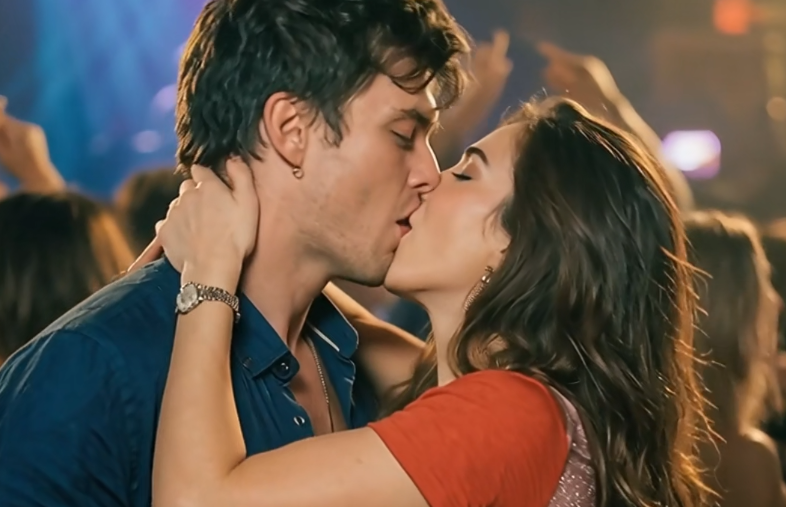
👄Behind the Magic: How Does Viyou.ai Make "Static Characters" Kiss?
You might be wondering: "How can the AI take two flat, static photos and make the characters move into a flawless kiss?"
It all comes down to Viyou.ai’s cutting-edge Multi-Subject Motion Fusion and Facial Tracking Algorithms.
- Facial Keypoint Mapping: The second you upload your photos, the AI scans and identifies facial features, bone structure, and the exact angle of each person's face.
- Physics-Based Motion Simulation: The AI doesn't just awkwardly smash two faces together. Instead, it calculates a natural 3D physical path for both subjects, simulating realistic muscle movements like tilting the head, closing the eyes, or gently cupping a cheek.
- Synchronized Light and Shadow: As the characters move closer, the AI recalculates the lighting in real-time based on the background, ensuring the shadows blend seamlessly for a highly realistic look.
👉Troubleshooting: Why Does Your AI Video Look Like a "Headbutt"?
If you are new to Image-to-Video AI, you might run into a few common "fail" scenarios:
❌ "The Face Melt": The moment the two characters get close, their faces warp into a blurry mess.
❌ "The Awkward Headbutt": There’s zero emotion—it looks like two plastic mannequins colliding.
❌ "The Near Miss": The lips completely miss each other, kissing the air or a chin instead.
Why does this happen?
- Incompatible Angles: If one photo is a direct front shot and the other is a full profile (side view), the AI has to guess what the hidden parts of the face look like. This "AI hallucination" can distort the final video.
- Lack of Prompt Guidance: If you don't give the AI enough context, it won't understand the pacing or vibe you want, resulting in stiff movements.
- Mismatched Scale or Busy Backgrounds: If the background is too chaotic or one person looks giant compared to the other, the AI gets confused trying to separate the subjects from the environment.
✍️Step-by-Step Guide: How to Create a Flawless AI Kiss Video
To get a natural, smooth, and genuinely cinematic romantic short, just follow this winning blueprint:
Step 1: Pick the Perfect Base Photos (The Most Important Step!)
- The Right Angles: Aim for photos featuring a three-quarter view (slight angle) or characters looking directly toward each other. Their gaze or facial positioning should naturally complement one another.
- Natural Expressions: A subtle smile or a relaxed face works infinitely better than a stiff, passport-style photo.
- Clean Backgrounds: Choose images where the subjects are clear and the background isn't overly cluttered.
Step 2: Set It Up on Viyou.ai
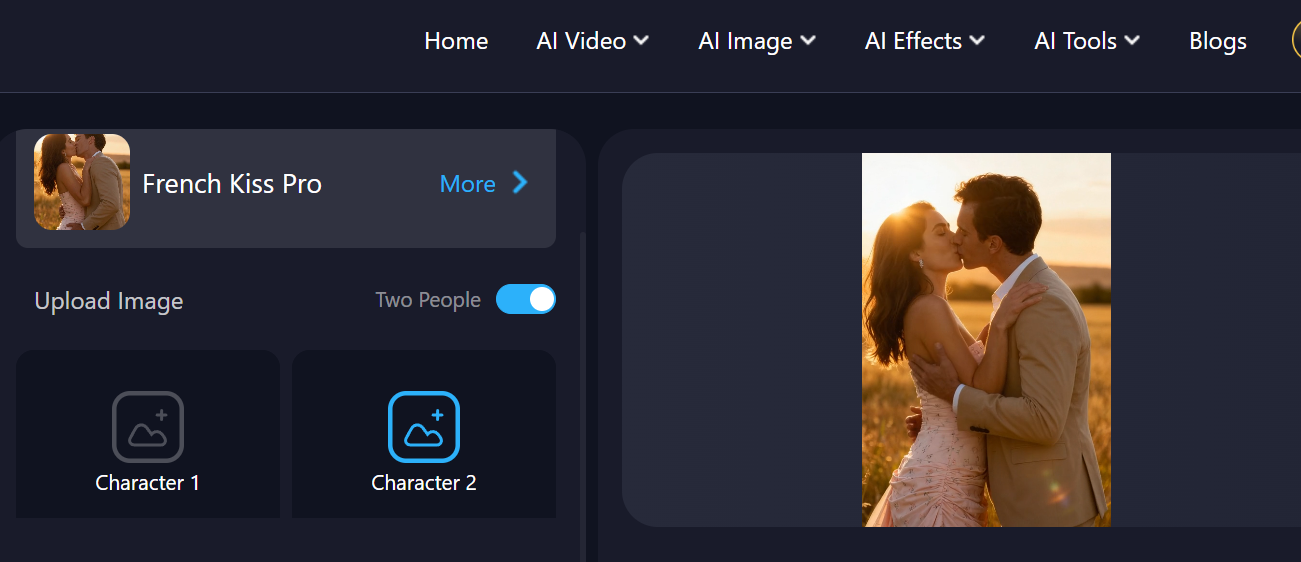
- Head over to the dedicated zone: Viyou.ai Sensual Channel.
- Upload Your Images: Drop in the two character photos you want to use.
Step 3: Add "Cinematic Atmosphere" Prompts
Don't just type the word "kiss" into the prompt box. Use descriptive phrases to give the video a high-end feel:
Pro-Level Prompt Formula:
Cinematic lighting, gentle and slow motion, soft focus, locking eyes before kissing, holding cheek gently, realistic skin texture, 8K, romantic atmosphere.
🤔Pro-Tips for Maximum Realism and Fluidity
If you want your videos to look absolutely flawless, here are three insider secrets:
1. Build Tension Before the Kiss
True romance is all about the build-up. Try adding phrases like "slowly leaning in" or "gaze into each other's eyes" to your prompt. Letting the AI generate a brief moment of eye contact before the actual kiss doubles the cinematic quality of your clip.
2. Audio is Half the Experience
Once your video is generated and downloaded, pair it with a cozy, low-fidelity track or subtle ambient sounds (like gentle rain or soft breathing). Adding that audio layer makes the final edit instantly viral-worthy.
👻Conclusion: You Control the Narrative
On Viyou.ai’s Sensual Channel, there are no real-world distances or dimensional barriers. You can create a beautiful keepsake for you and your partner, or finally give your favorite fictional couple the happy ending they deserved.
Stop watching from the sidelines. Head over to right now, grab your favorite photos, and start creating your own iconic cinematic moments!