AI Video Generator
 AI Image to Video
 AI Text to Video
 AI Image Generator
 AI Image to Image
 AI Text to Image
 AI Video Generator
 AI Image Effects

 Bring your imagination to life with powerful Viyou AI tools.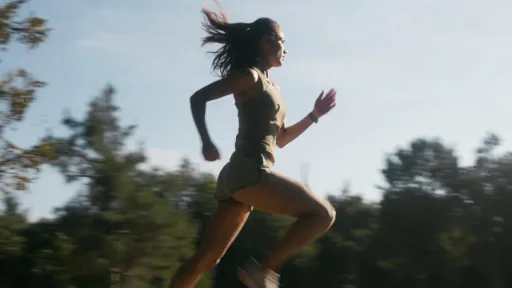
 Contents
In the field of AI video generation, simple static descriptions are no longer sufficient. AI Motion Prompt can make the generated videos more cinematic and realistic by precisely describing the movement of the subject, camera movement, environmental dynamics, and physical interactions. Whether you are a short video creator, an e-commerce seller, or a content enthusiast, mastering Motion Prompt can significantly improve the output quality.
This article will share the core techniques of AI Motion Prompt and recommend that everyone use Viyou AI to actually create videos. Viyou AIintegrates multiple top models (such as Veo 3.1, Seedance 2.0, LTX-2, etc.), supports Text-to-Video, Image-to-Video, and Motion Control functions, is simple to operate, fast, and has stable effects. It is an excellent platform for creating short videos in 2026.
💍The core structure of AI Motion Prompt
A good Motion Prompt usually includes:
✨Subject and Action: Clearly describe who/what is doing what.
✨Camera Movement: Such as slow dolly-in, orbit, tracking shot.
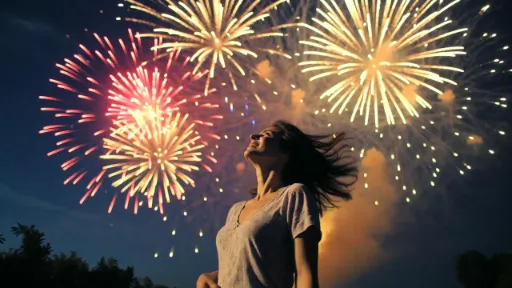
✨Environmental Dynamics: Wind blowing hair, water waves, steam, changes in light and shadow, etc.
✨Style and Constraints: Cinematic, photorealistic, maintaining consistency of identity, avoiding distortion, etc.
Suggestions for using Viyou AI: Upload reference images + Motion Prompt, combined with the Motion Control feature, enables character replacement and precise action mapping. A free trial can get you started, and the Pro plan is suitable for frequent creation.
📚Live-action Prompt Example
🏖️Prompt 1: Romantic seaside stroll (in a lifestyle vlog style)
A young woman in a flowing white dress walking barefoot along the golden beach at sunset. Gentle waves lap at her feet, her hair and dress flutter softly in the sea breeze. Camera: slow tracking shot following her from the side, slight handheld feel. Warm golden hour lighting, cinematic shallow depth of field, photorealistic, natural motion blur on fabric and hair, 9:16 vertical for social media.
☕️Prompt 2: Coffee Shop Product Display (E-commerce Video)
Close-up of a steaming latte art coffee cup on a wooden table in a cozy cafe. Steam rises gently and swirls, light reflections shift on the glossy surface. Camera: slow orbit around the cup from left to right, smooth cinematic movement. Soft morning natural light through window, warm tones, luxury commercial style, keep cup details sharp and consistent.
Prompt 3: K-Pop synchronized dance (group/ idol style)
Group of stylish young women executing sharp synchronized K-Pop choreography in a bright modern studio. Precise arm waves, powerful footwork, hair flips and coordinated smiles. Camera: smooth wide tracking shot panning across the group, occasional close-up on leader. Clean studio lighting with colorful accents, energetic and professional vibe, realistic motion blur on fast moves, keep faces and outfits consistent.
🏃♀️conclusion
These prompts perform exceptionally well under various powerful models of Viyou AI, and can quickly generate smooth videos lasting 5-10 seconds. It is recommended to first generate the basic image, and then use Image-to-Video + Motion Prompt for optimization.
Call to action: Visit the Viyou AI website immediately, register, and try out these prompts to create your first dynamic video! Combined with the platform's Motion Control, you can also achieve custom character animations, with endless creativity. For more advanced techniques, feel free to share in the comment section~