AI Video Generator
 AI Image to Video
 AI Text to Video
 AI Image Generator
 AI Image to Image
 AI Text to Image
 AI Video Generator
 AI Image Effects

 Bring your imagination to life with powerful Viyou AI tools.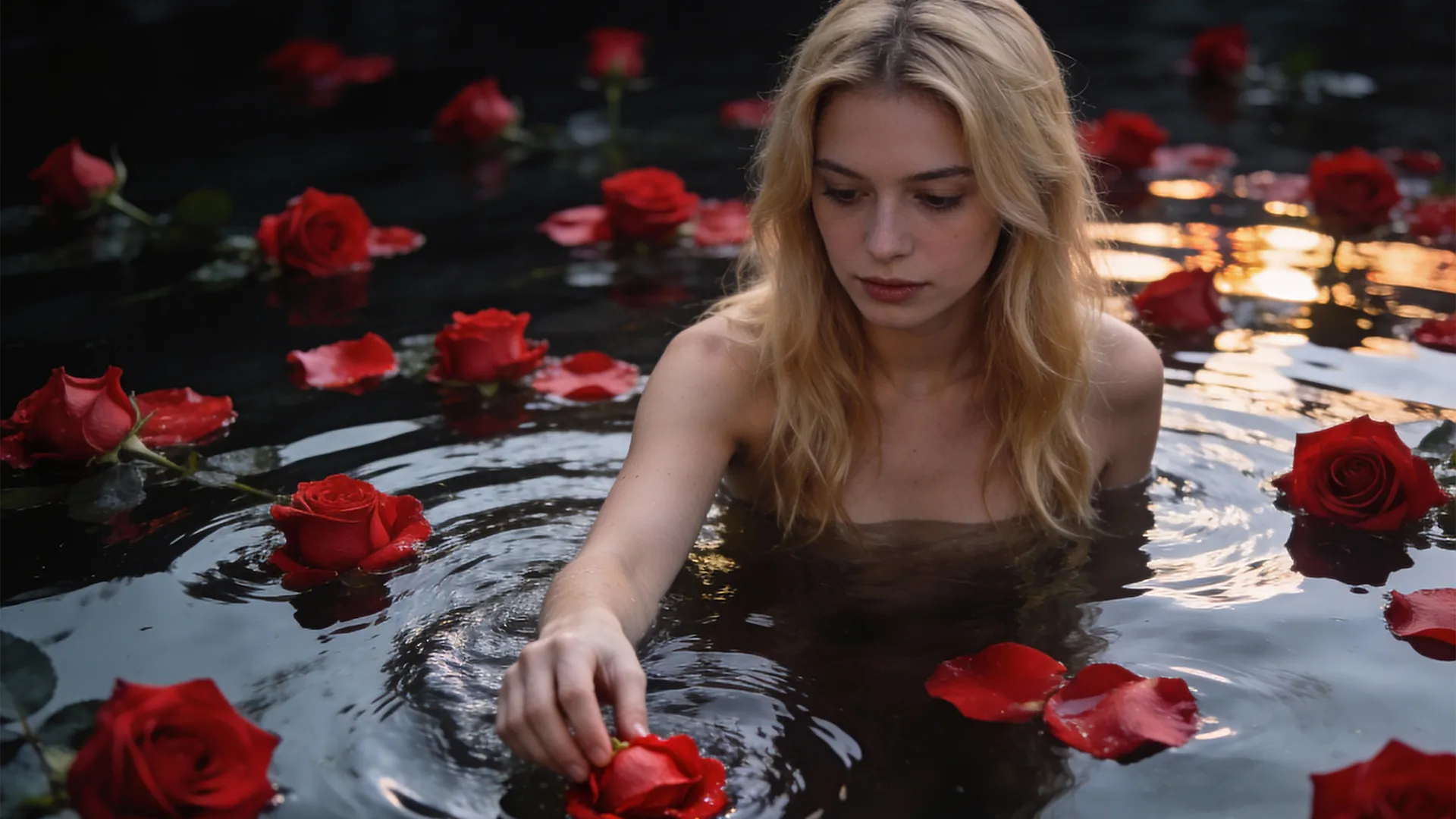
When people first try to animate still images—often described as “bringing photos to life” with image‑to‑video—they usually do the same thing, they usually do the same thing, they usually do the same thingthey make the person walk, turn, or gesture. The image moves, but something feels wrong. The video exists, yet the photo disappears. In image‑to‑video creation and photo‑to‑video AI, the problem is rarely the tool itself. It is almost always the order of motion. The most convincing results are not created by adding more action, but by allowing time to resume naturally.
A Rule You Can Use Immediately
If you remember only one thing, remember this: to let a photo move, don’t move the person first. More than 90% of failed image‑to‑video results happen because the human subject moves too early. Before writing anything complex, you can test this idea with a simple, reusable prompt that works across most photos.
Slow pacing, subtle air movement, the subject mostly still, slight light changes, restrained emotion, cinematic tone
Video A (wrong demonstration): The person moves first
Prompt (Wrong Motion Order)
Person turns head and starts walking forward.Clear visible movement.Camera moves quickly toward the subject.Action‑focused motion.Realistic video style.
Same photo. Different motion order
Video B (Correct Demonstration): First Motion
Prompt (Correct Motion Order)
Slow pacing.Subtle air movement in the scene.Slight light changes.Subject remains mostly still.Restrained emotion.Cinematic tone.
Same photo. Different motion order
If this prompt already produces a natural result, the photo is suitable for motion. If it doesn’t, the issue is likely the image itself rather than your prompt or tool.
Why Moving the Person First Breaks the Image
A photograph is not designed to show events unfolding. It is designed to hold the moment before something happens. A breath not yet released, a thought not yet spoken, a body still holding motion inside—this is where a photo has its tension. When we force obvious movement too early in photo‑to‑video AI, we finish that moment for the viewer, and the image loses its realism.
This is why many photo‑to‑video results look animated but not alive. They show action, but they do not preserve time.
Real Motion Has a Natural Order
In the real world, people are almost never the first thing to move. Before any clear action happens, the air shifts, the light changes, and the body begins to breathe. When image‑to‑video generation follows this order, the result feels believable. When it doesn’t, the image immediately feels artificial—even if we can’t explain exactly why.
This is not a stylistic preference. It is how humans perceive reality.
The Most Important Concept: First Motion
Before a photo can move, it needs a first motion.The first motion is not an action.It is the first visible sign that time has re‑entered the frame.
Safe and effective first motions include:
1.air movement
Slow pacing.
Subtle air movement in the scene.
Hair and clothing move slightly.
Subject stays still.
Quiet, cinematic.
2.light changes
Gradual light shift.
Soft shadow movement.
Subject remains still.
Calm, restrained mood.
3.shadow shifts
Very subtle camera push.
Almost imperceptible.
No rotation.
Subject remains still.
Cinematic stillness.
almost imperceptible camera breathing
When the first motion is correct, the image already feels alive—even if the person never moves.
Four Beginner‑Safe First Motions
If you’re unsure where to start, choose one of these:
- Air – subtle airflow, quiet atmosphere, slow rhythm
- Light – gradual light changes, soft shadow movement
- Camera breath – barely noticeable forward movement
- Micro body response – gentle breathing, no clear action
These approaches have a high success rate in image‑to‑video generation.
A Prompt Template You Can Reuse Long‑Term
If you don’t want to rewrite prompts every time, use this structure:
Slow pacing, environmental movement, subject mostly still, restrained emotion, cinematic feel
Change only one emotion word—for example:
restrained → tired → empty → calm
The image stays the same, but time moves differently.
Practice “Letting Photos Move” with viyou AI
To experience this logic directly, you can use viyou AI’s image‑to‑video tool.It’s not designed for flashy effects, but for practicing how photos naturally become video.
Step 1: Choose the Right Photo
Select a photo with stillness and unfinished emotion.Back views, side profiles, and static poses work best.
Step 2: Upload the Photo to viyou AI
Open the image‑to‑video feature and upload your image.Before writing anything, ask yourself:
What should move first in this photo?
Step 3: Use a First‑Motion Prompt
Start with this beginner‑safe prompt:
Slow pacing, subtle air movement, subject mostly still, slight light changes, restrained emotion, cinematic tone
This already follows the “environment first” logic.
Step 4: Generate and Observe
Don’t judge immediately.Check whether:
- the environment moves before the person
- the subject feels forced or natural
- the motion feels continuous, not sudden
Step 5: Change One Word and Try Again
Modify only one emotion word and regenerate.You’ll notice that the photo hasn’t changed—but time has.
A Simple Exercise: Only Subtract
One of the best ways to improve photo‑to‑video AI results is to remove words instead of adding them. Write a prompt, then delete anything that describes explicit actions or camera tricks. If you are left with only pacing, environment, and emotion, and the result feels more stable, you are moving in the right direction.
Frequently Asked Questions
What does “bring photos to life” mean in image‑to‑video?
In image‑to‑video, bringing photos to life means animating still images by introducing subtle changes—such as air, light, or breathing—rather than obvious actions.
Why should the environment move before the person?
Because this mirrors real life. Environmental changes happen before clear human actions, which makes photo‑to‑video AI results feel more believable.
Do I need complex prompts to animate photos?
No. Simple, human‑language prompts that describe pacing, atmosphere, and emotion often work better than technical instructions.
What kind of photos work best for image‑to‑video?
Photos with still subjects, visual space, and unfinished emotion—such as back views or quiet scenes—tend to produce the most natural results.
Can I practice this method with viyou AI?
Yes. viyou AI allows you to upload a single image and generate a video using your own prompts.It’s a practical way to test how different first motions and emotional words affect the final result.