AI Video Generator
 AI Image to Video
 AI Text to Video
 AI Image Generator
 AI Image to Image
 AI Text to Image
 AI Video Generator
 AI Image Effects

 Bring your imagination to life with powerful Viyou AI tools.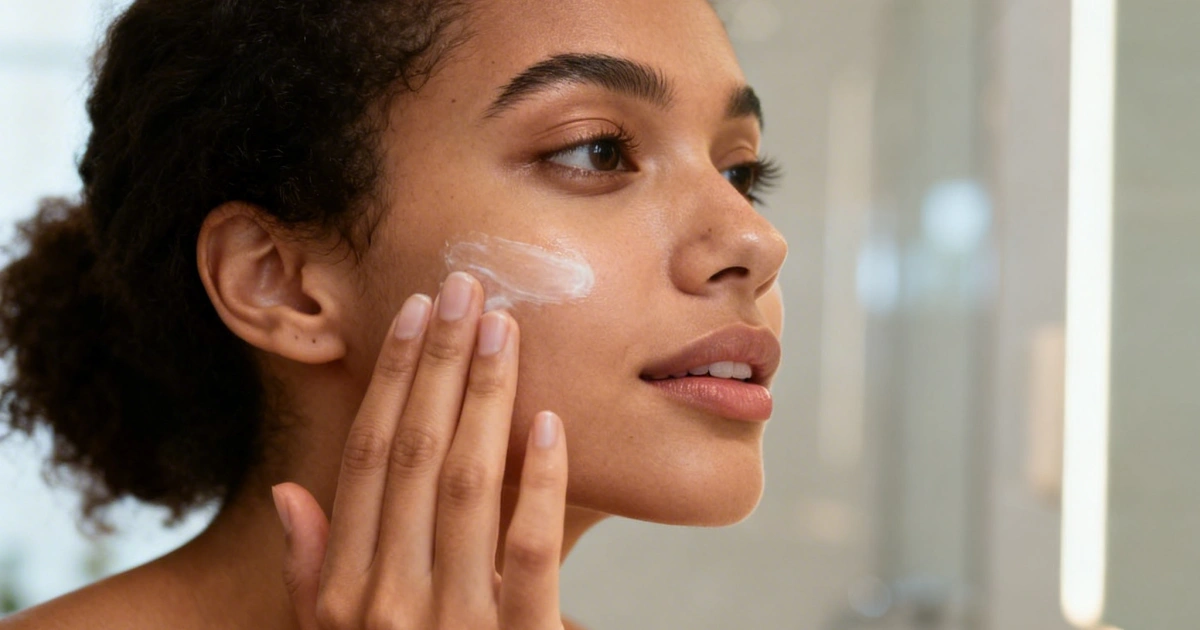
 Contents
Why Marketers Are Switching to AI Image Generators
Creating ad creatives used to take:
- Hours of design work
- Expensive tools
- Multiple revisions
Now?
You can generate scroll-stopping ad visuals in minutes
What Changed in 2026
Modern AI tools can now:
- Generate realistic product shots
- Create lifestyle marketing scenes
- Maintain brand consistency
- Produce multiple ad variations instantly
Result: Faster testing = better performance
What Makes a High-Converting Ad Image?
Before jumping into prompts, understand this:
A good ad image is NOT just “beautiful”
It must:
1. Grab attention instantly
2. Show the product clearly
3. Create emotion or desire
4. Match platform style (TikTok, Instagram, etc.)
Step-by-Step: Create Ads with AI Image Generator
Step 1: Define Your Ad Concept
Ask:
- Who is the audience?
- What emotion do you want?
- What platform is this for?
Step 2: Generate Base Image (Text-to-Image)
Use a structured prompt👇
Prompt Example (Product Ad)
A premium skincare product placed on a marble surface, soft natural sunlight from the side, clean minimal background, subtle reflections on glass, high-end commercial photography, 50mm lens, shallow depth of field, ultra-realistic, luxury brand aesthetic, high detail, 4K
Step 3: Create Lifestyle Version (More Engaging)
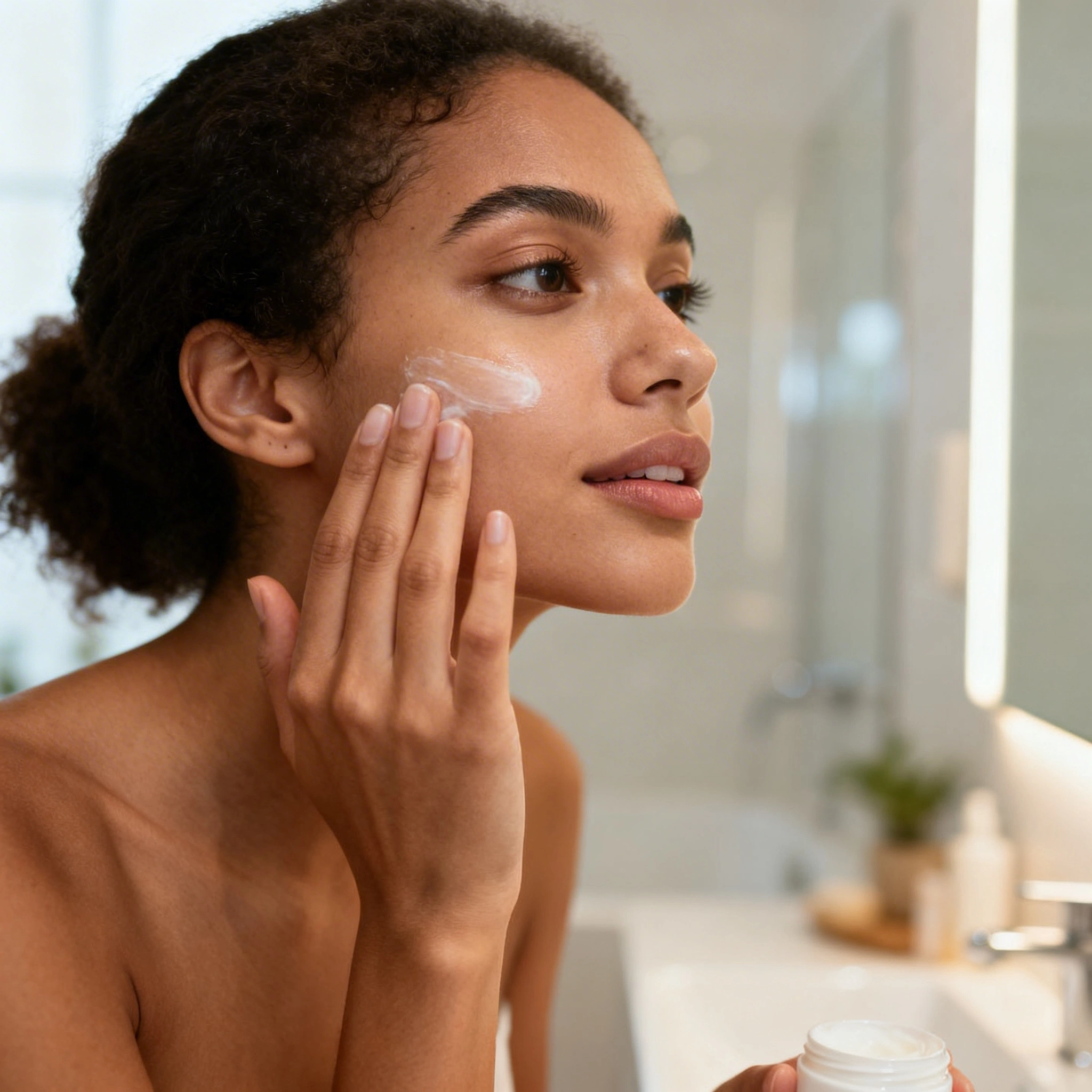
Prompt Example (Lifestyle Ad)
A young woman applying skincare in a bright bathroom, soft natural lighting, clean modern interior, natural expression, realistic skin texture, lifestyle photography style, shallow depth of field, warm tones, high detail, ultra-realistic
Step 4: Generate Variations (Critical for Ads)
👉 Winning ads don’t come from one image
Generate:
- Different lighting
- Different angles
- Different moods
Step 5: Refine with Image-to-Image
This is where most people miss out.
Use image-to-image to:
- Keep product consistent
- Adjust composition
- Improve realism
Tools like viyou ai are ideal because:
- Text-to-image → create concepts
- Image-to-image → refine ads
5 High-Converting AI Ad Prompt Templates
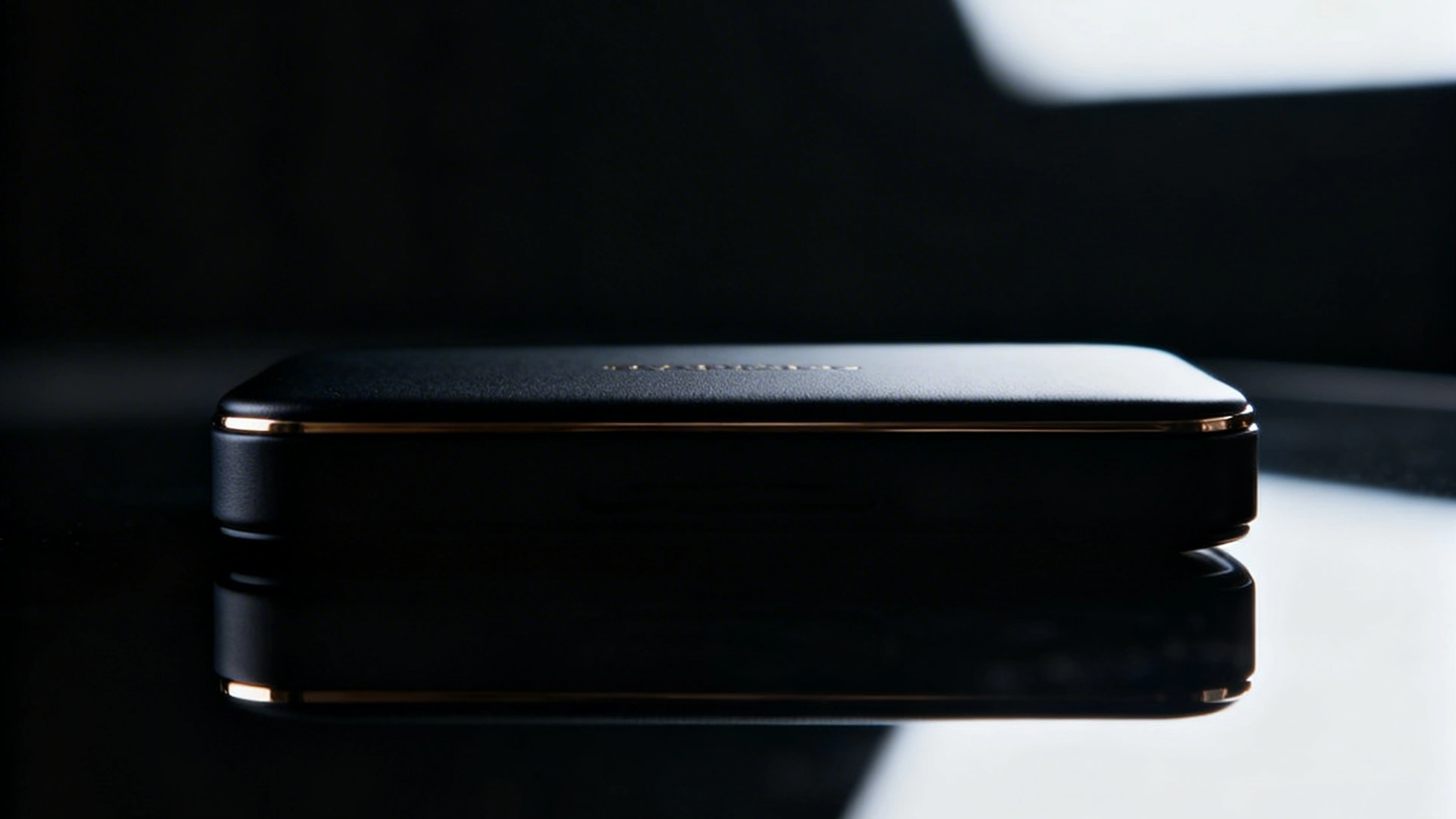
1. Luxury Product Ad
A high-end product displayed on a reflective surface, dramatic but soft lighting, minimal background, premium aesthetic, realistic materials, cinematic composition, ultra-detailed, commercial photography
2. Social Media Ad (Native Style)
A casual lifestyle moment, a person interacting with a product in a natural environment, slightly imperfect framing, handheld feel, realistic lighting, candid moment, social media style, high realism

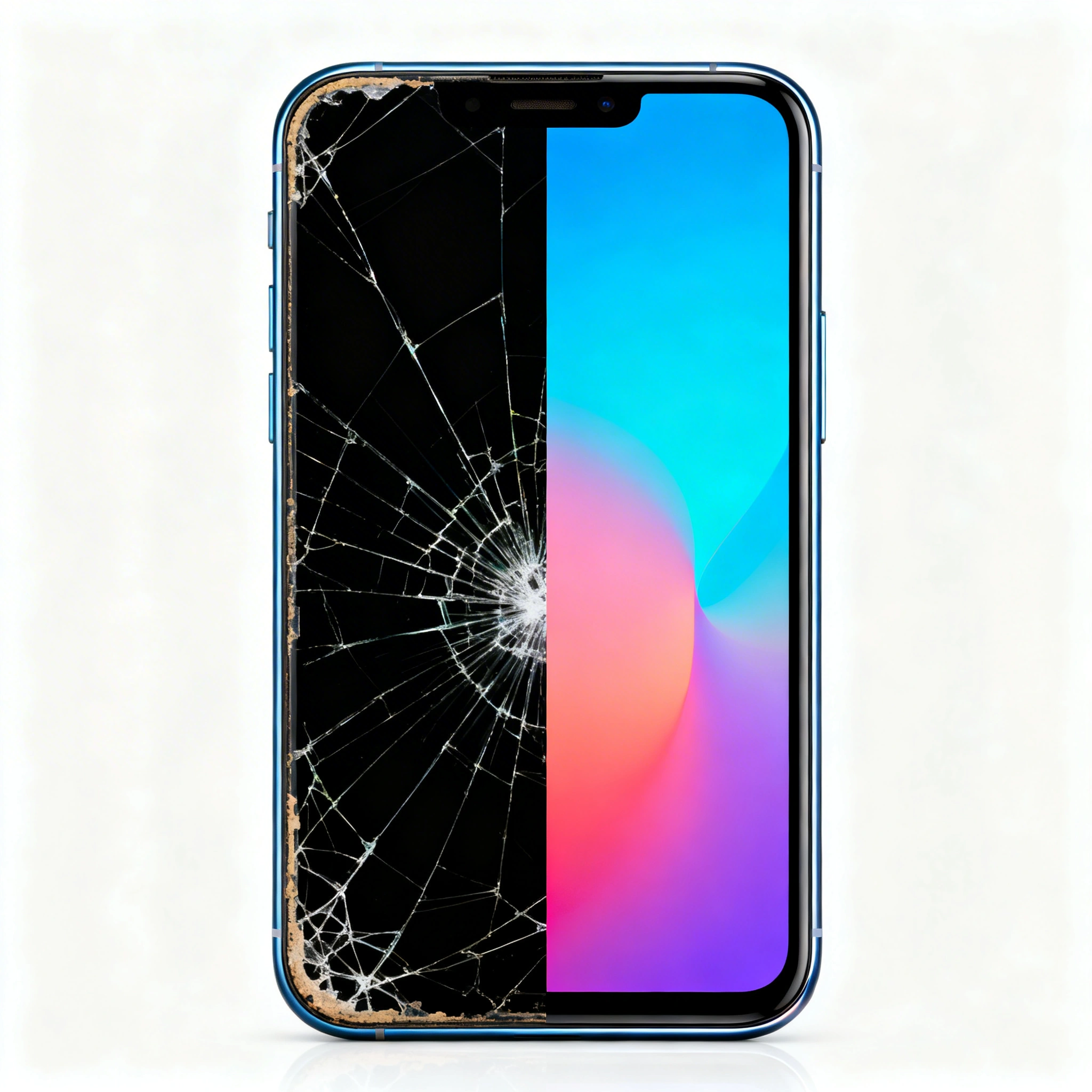
3. Before / After Concept
A visual showing transformation, clean composition, clear difference between two states, bright lighting, high clarity, modern advertising style
4. Emotional Story Ad
A person experiencing a strong emotion (joy, relief, confidence), soft natural lighting, cinematic composition, realistic expression, lifestyle photography style, high detail

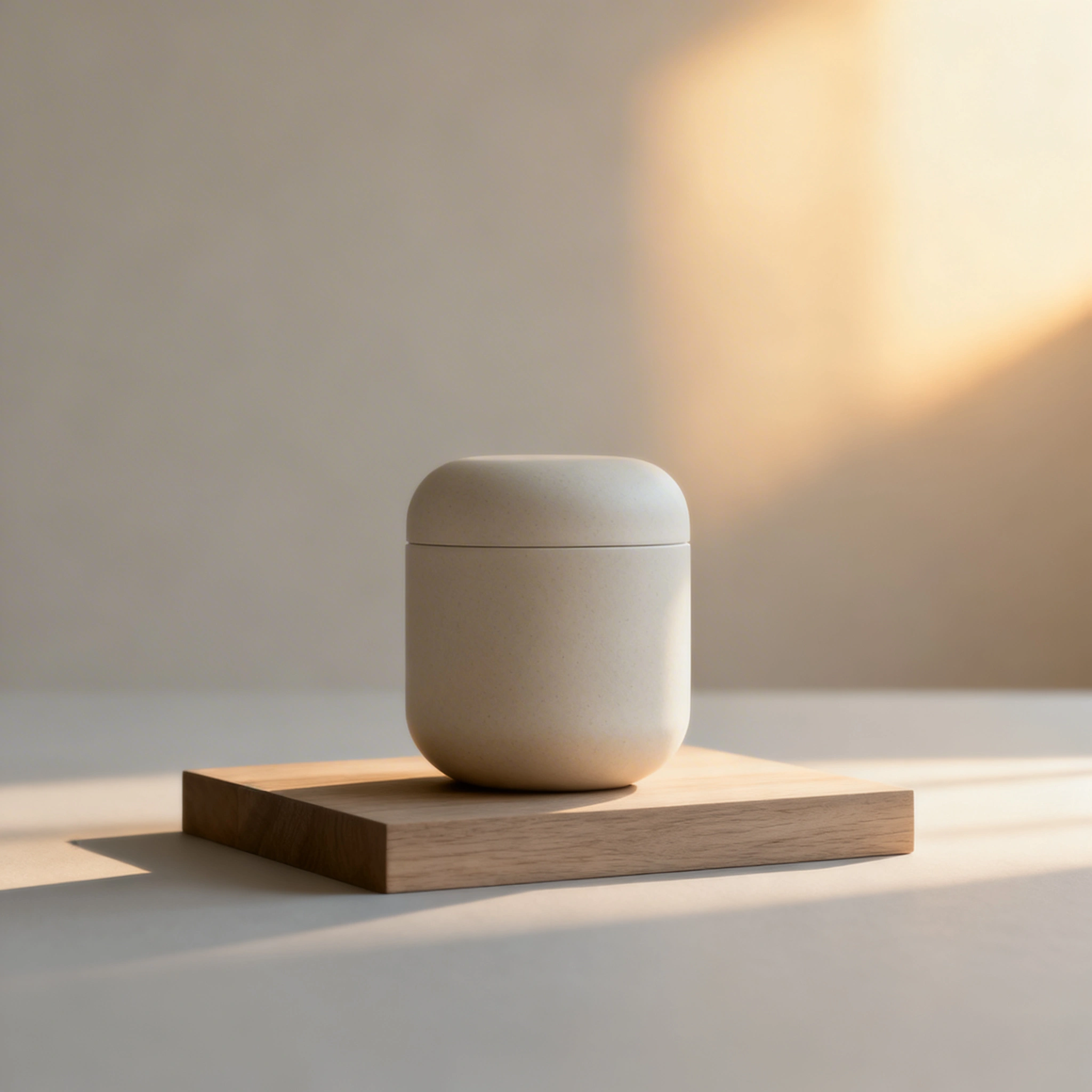
5. Minimalist Brand Ad
A clean minimalist product shot with neutral tones, soft shadows, simple composition, Scandinavian style, natural lighting, high-end brand aesthetic, ultra-realistic
Pro Tips to Boost Ad Performance
1. Add “Realism Keywords”
ultra-realistic, natural lighting, realistic skin texture, depth of field, cinematic lighting, RAW photo, 4K
2. Make Ads Feel “Native”
Best-performing ads don’t look like ads
Add:
- “candid moment”
- “slightly messy background”
- “handheld feel”
3. Always Test Variations
Golden rule:
1 idea = 5–10 variations
Use Cases (Where This Works Best)
- E-commerce ads
- Social media creatives
- Landing pages
- Email marketing
- Product launches
Final Thoughts
AI image generators are no longer just creative tools—they are marketing engines.
With the right prompts and workflow, you can:
- Create ads faster
- Test more variations
- Improve conversion rates
CTA
Try creating your first AI ad with viyou ai
Generate, refine, and scale your marketing visuals—all in minutes.