AI Video Generator
 AI Image to Video
 AI Text to Video
 AI Image Generator
 AI Image to Image
 AI Text to Image
 AI Video Generator
 AI Image Effects

 Bring your imagination to life with powerful Viyou AI tools.
Tired of AI mangling your company name, inventing fake words, or cramming ugly, illegible text into your designs? When you need a sharp logo, a clean banner, or any graphic where the text is the design, generic AI image prompts often fail spectacularly.
What if you could reliably generate designs where every letter is perfect, the typography is on point, and the text is seamlessly part of the visual?
The solution is to stop thinking about “adding text to an image” and start designing with text as the hero element. On Viyou AI, Nano Banana’s advanced text rendering capability makes this possible. Here’s how to command it.
The Typographer's Command: Text is a Visual Shape
Effective text-based design treats words as both a message and a graphic object. To generate one, you must specify:
- Content & Hierarchy: What does it say? Is it a single word (logo) or a line (slogan)?
- Typography: Describe the font's character—its weight, style, and feeling.
- Integration: How does the text interact with other graphic elements?
- Purpose & Context: What is this for? A tech startup logo has a different vibe than a vintage bakery sign.
Nano Banana can render precise, stylized text when you provide a clear typographic and contextual brief.
Your Template for Flawless Text Graphics
Forget “a logo with the word ‘Zen’.” Here’s your professional design template for Viyou AI:
A [STYLE] style [ASSET TYPE: logo / badge / banner / label] for a [COMPANY/CONTEXT]. The central text reads: "[EXACT TEXT HERE]". The typography is a [FONT DESCRIPTION] font. The design integrates [GRAPHIC ELEMENT OR LAYOUT]. The color scheme is [COLOR PALETTE]. [BACKGROUND INSTRUCTION].
From Brief to Brand Asset: A Step-by-Step Example
Let’s create a modern coffee shop logo from scratch.
The Weak Prompt:
A logo for a coffee shop called The Daily Grind.
Result: Unpredictable. Might show a random mug next to distorted, unreadable text.
The Designer's Prompt:
A modern, minimalist logo for a coffee shop called "The Daily Grind". The central text reads: "The Daily Grind" in a clean, bold, geometric sans-serif font. The design integrates a simple, abstract coffee bean icon formed by a negative space circle within the letter 'G' of "Grind". The color scheme is a deep espresso brown and warm cream white. The background is solid white for maximum versatility.
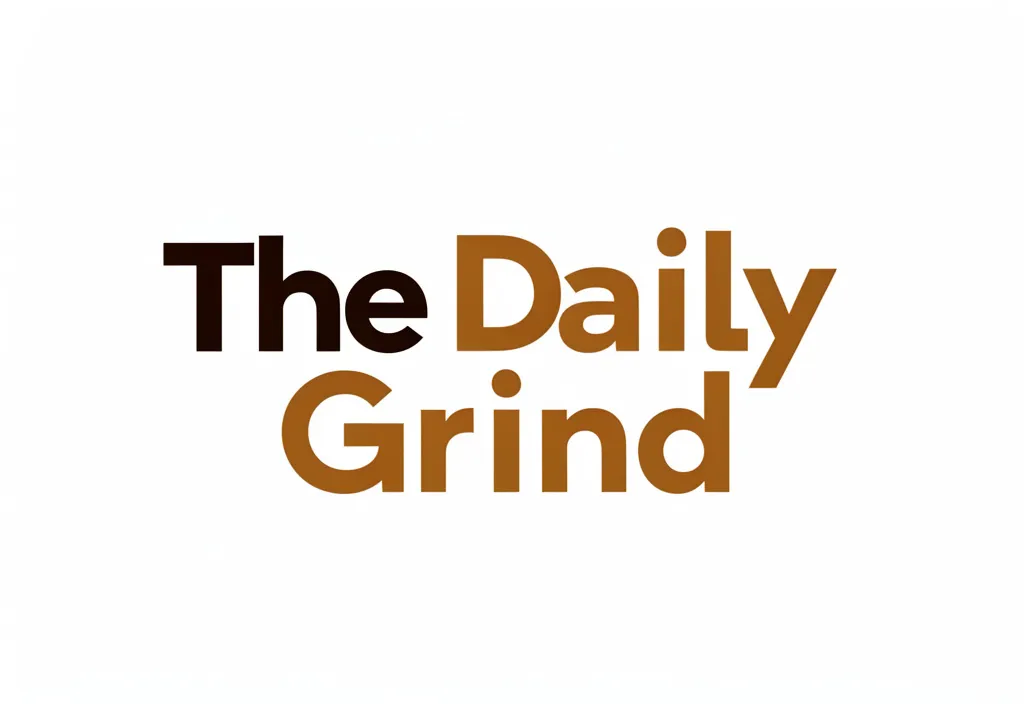
Why This Delivers:
- Exact Text: Quotes ensure spelling and casing are correct.
- Font Description: “Clean, bold, geometric sans-serif” gives clear typographic direction.
- Smart Integration: Describing how the icon is formed (“negative space… within the letter 'G'”) leads to a cohesive, professional logo mark.
- Purpose-Built: Specifying the background and color scheme ensures it’s ready for real-world use.
Prompts to Generate Now in Viyou AI
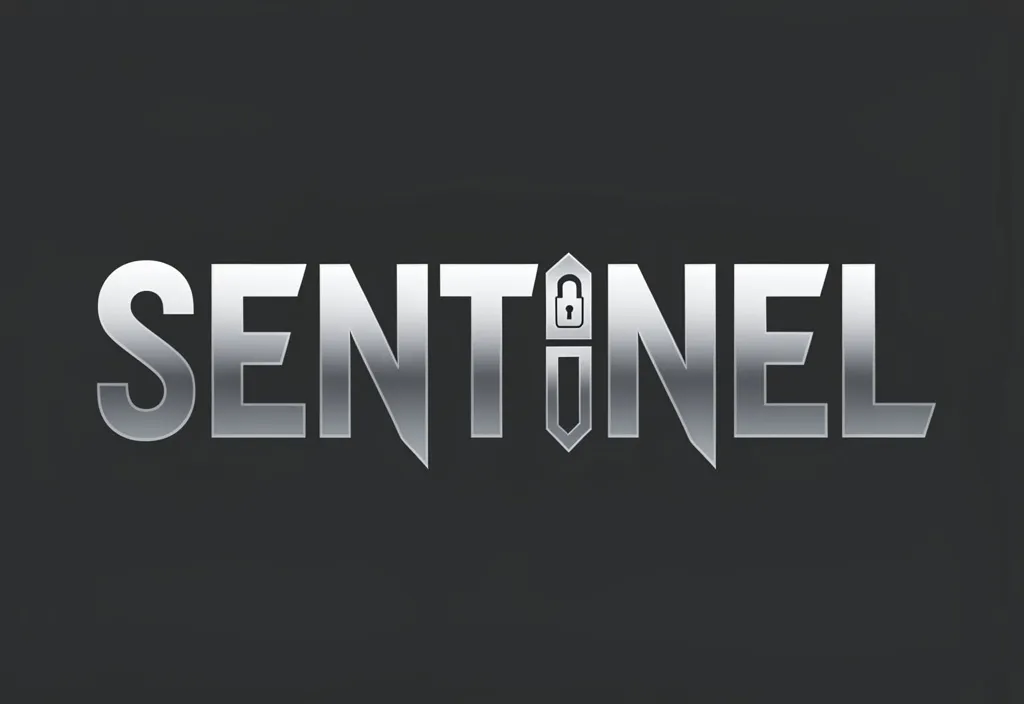
1. Tech Startup Wordmark:
A sleek, future-tech wordmark logo for a cybersecurity company named "SENTINEL". The text reads: "SENTINEL" in a tall, ultra-bold, custom sans-serif font with sharp, angled cuts in the letter terminals. The letter 'I' is stylized as a vertical shield or lock icon. Monochromatic color scheme using metallic gradient grays. Solid dark charcoal background.
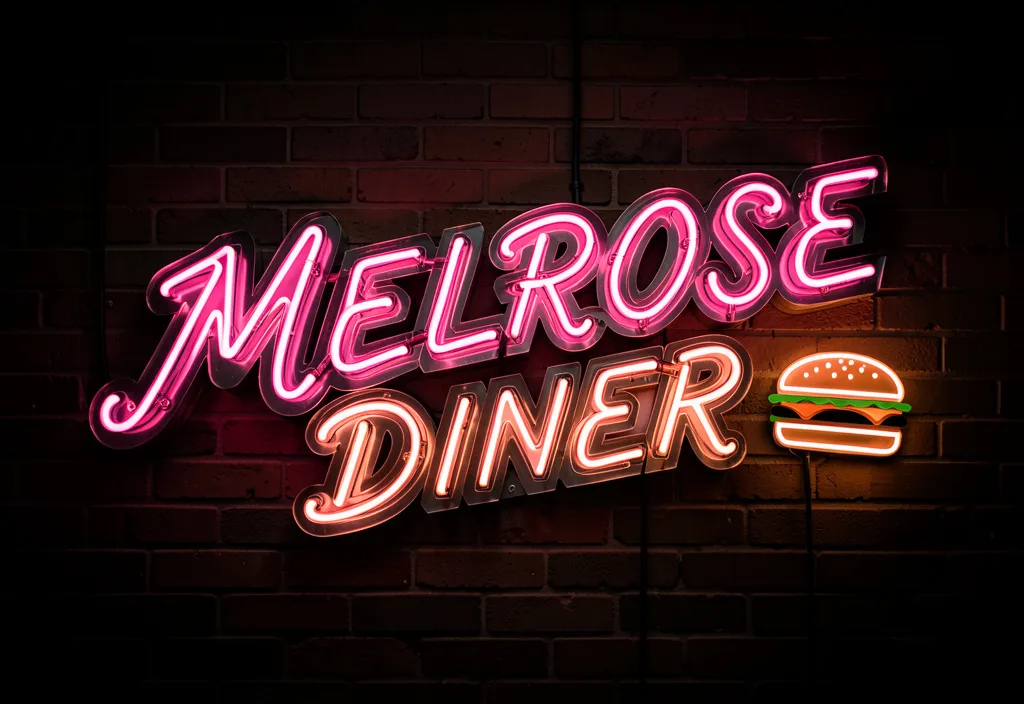
2. Vintage Restaurant Neon Sign:
A vintage neon sign design for a classic American diner called "MELROSE". The text reads: "MELROSE DINER" in a flowing, retro cursive script with glowing pink neon tubes and metal channel letter backing. A small, classic cheeseburger icon flickers next to the text. The background is a dark, brick wall at night.
3. Motivational Quote Graphic:
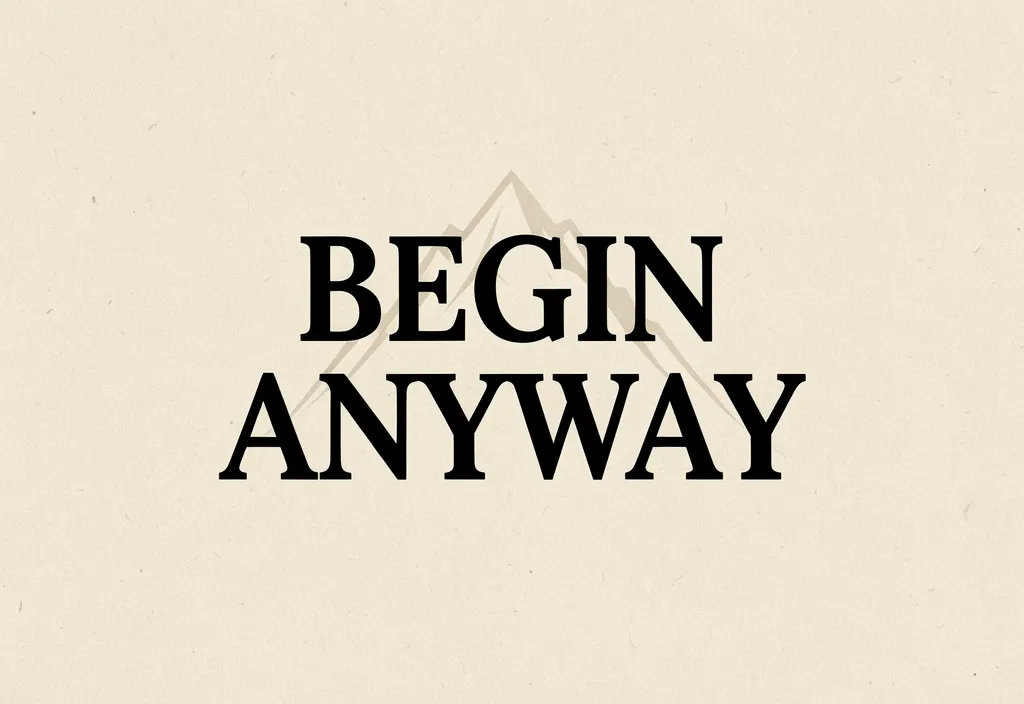
A minimalist inspirational poster. The central, dominant text reads: "BEGIN ANYWAY" in a heavy, impactful serif font. The words are stacked and centered. A single, simple graphic of a mountain peak is subtly etched in a lighter shade behind the text. Color scheme is black text on a textured, pale sandstone background. Ample clean space around the text.
Your Viyou AI Typography Toolkit: Pro Tips
- Describe Fonts, Don't Name Them: Use terms like “elegant script,” “stencil font,” “blocky college letters,” “delicate thin sans-serif,” or “retro 80s arcade font.”
- Direct the Layout: Use commands like “centered,” “text curved along a path,” “text wrapping around an object,” or “small subscript slogan beneath the main word.”
- Leverage Negative Space: Prompt for “a logo where the negative space forms a hidden [object]” for clever, professional results.
- Set the Scene for Context: For a badge, describe it as “embroidered.” For a sign, say it’s “made of polished brass.” This adds material realism to the text.
Stop Compromising on Your Message. Start Designing It.
Stop pasting text onto generated images in another app. Start creating complete, text-perfect designs from a single prompt in Viyou AI.
Open Viyou AI, select the Nano Banana model, and use the typographer’s template. Generate the logo your side project deserves, the banner your event needs, or the branded quote graphic that will stop the scroll—all with perfect text, by design.
Your brand's perfect wordmark is ready to be rendered. Just write the brief.