AI Video Generator
 AI Image to Video
 AI Text to Video
 AI Image Generator
 AI Image to Image
 AI Text to Image
 AI Video Generator
 AI Image Effects

 Bring your imagination to life with powerful Viyou AI tools.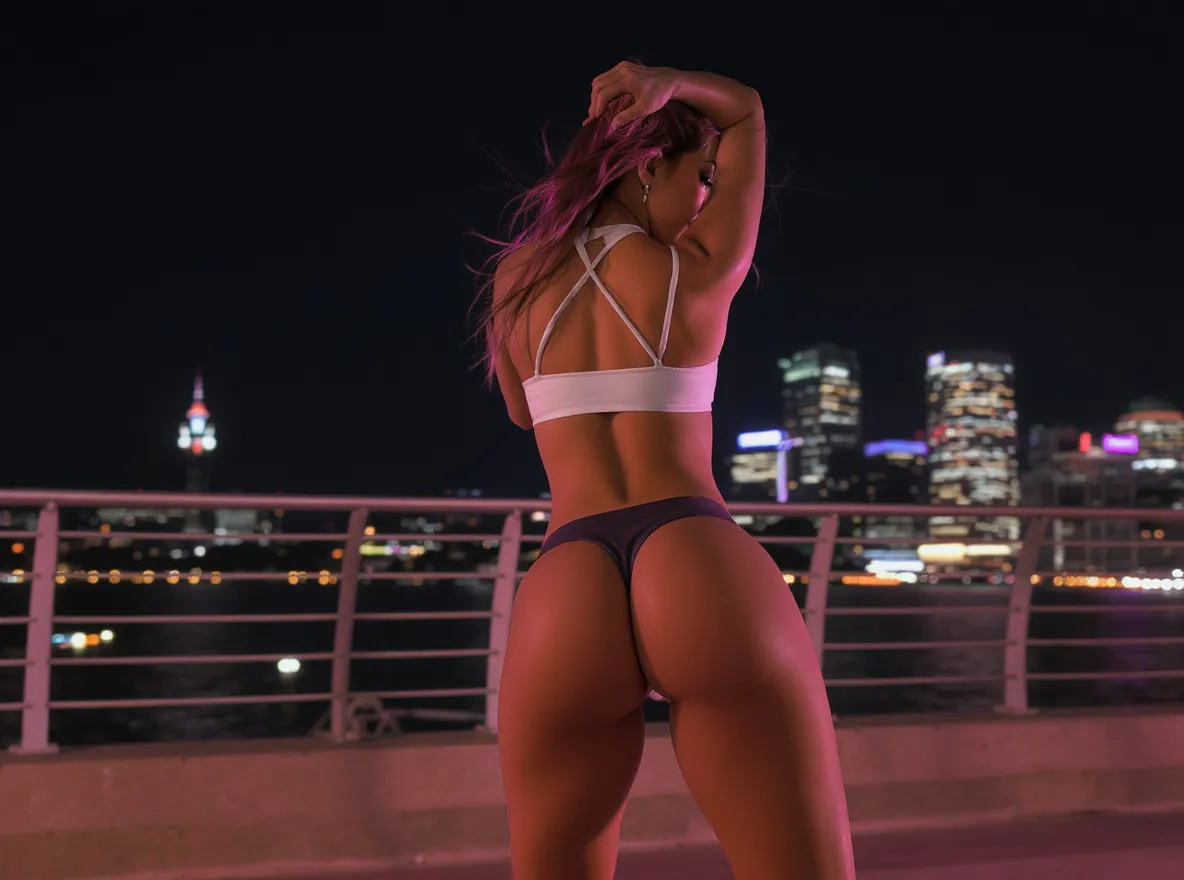
 Contents
AI technology is pushing creativity to new heights. With just a few clicks, you can turn a static photo into a lively, fun-filled motion video. The star of the show is the Viyou platform's built-in AI Twerk Generator effect. Whether it’s a selfie, portrait, or celebrity snapshot, this tool helps you craft energetic and eye-catching AI twerking videos that effortlessly grab attention on social media. Let’s dive in and unlock the creative ways to use this powerful tool!
1. What does Twerking Mean?
“Twerking” means a style of dance where someone shakes or thrusts their hips and buttocks in a rhythmic, often exaggerated way.
It’s commonly seen in hip-hop, pop culture, and social media dance trends. The move usually involves:
- Bending the knees
- Lowering into a squat
- Moving the hips quickly and repeatedly
2. What Is an AI Twerk Generator?

The AI Twerk Generator is an innovative tool powered by advanced AI, combining motion mapping and pose estimation technologies to bring static images to life with realistic twerking dance moves. No dance skills or complex editing experience required — simply upload a photo, and the AI handles everything for you. The result? Smooth, rhythmic, and lifelike dance animations that deliver a strong visual impact.
With Viyou’s AI Twerk Generator, you can transform pictures of yourself, friends, family, or even pets into hilarious, mesmerizing AI twerking animations. Perfect for memes, social media posts, or party entertainment, this tool’s charm lies in its simplicity and versatility. Whether you’re making a prank video, boosting your social media presence, or producing engaging marketing content, you can generate high-quality, attention-grabbing videos in minutes.
3. How to Create AI Twerk Videos with Viyou
Creating twerking videos with Viyou is fast, easy, and requires zero technical know-how. Just follow these simple steps to make your photos come alive:
Step 1: Visit the Viyou Official Website
Head to the Viyou official website via your browser. No app downloads required — it works smoothly on both desktop and mobile.
Step 2: Upload a Photo
Once on the website, Select AI Video Effects,find the “Twerking” option under the “Unrestricted Temptation” or “Al Dance” section. For best results, choose a clear, full-body (at least above the thighs) photo — it could be a selfie, a portrait, a celebrity picture, or any creative image. Make sure the photo has high resolution for professional-quality animation output.

Step 3: Generate and Download the Video
After uploading, click “Generate” and let Viyou’s AI do its magic. The algorithm analyzes the image, identifies body features, and synchronizes them with realistic twerking movements. The process takes a few minutes depending on system load. Once done, preview your result, and if you’re happy with it, click “Download” to save your video.
4. Why Choose Viyou’s AI Twerk Generator?
Viyou’s AI Twerk Generator stands out as a top choice for viral content creation. Here are its five key advantages:
⭐ Ultra-Easy to Use – No video editing skills needed. The intuitive web interface lets anyone create professional twerk videos in minutes.
🎬 High-Definition Animation Quality – Powered by advanced AI, the dance moves are fluid, natural, and visually stunning.
🎭 Highly Versatile – Animate anyone or anything — humans, pets, or even cartoon characters — perfect for memes, marketing, or fun content.
📱 Social Media Optimized – Videos are pre-optimized for TikTok, Instagram Reels, and YouTube Shorts, helping you boost engagement and followers.
🔒 Privacy & Data Safety – Viyou protects your privacy. All uploaded photos are automatically deleted within 24 hours, ensuring no data leaks.
5. Creative Ways to Use AI Twerk Videos
Viyou’s AI Twerk Generator opens the door to endless creativity. Here are a few ideas to inspire you:
💃 Social Media Content – Make funny twerking memes or join viral dance trends to gain more likes, shares, and followers.
🎉 Party Entertainment – Surprise your friends at birthdays or gatherings with custom twerking videos of yourself or your pets.
🚀 Marketing Campaigns – Animate mascots or product images to create eye-catching, playful promotional videos that boost brand personality.
🎁 Personalized Gifts – Turn family photos into hilarious dancing animations — a unique and joy-filled gift that’s sure to make anyone smile.
6. Twerking Compilation

(1) Ice Spice Twerking
Straight from the Bronx princess herself—Ice Spice serving signature munch energy with that red hair bouncing and cakes clapping. Pure drill-era spice!
(2) White Girl Twerk
PAWGs and snowbunnies going stupid on the beat—think college parties, TikTok trends, and girls who practiced in the mirror for years finally popping off.
(3) Girl Twerking
The universal vibe check—just random baddies of all flavors throwing it back in the club, house parties, or the crib mirror. No theme, just cheeks in motion.
(4) Sophie Rain Twerk
Spiderman’s girlfriend turned internet queen—Sophie Rain bringing that perfect petite-with-a-wagon combo. Every clip is basically a masterclass in controlled chaos.
(5) Black Girl Twerk
The originators doing what they do best—ebony queens with crazy rhythm, junk for days, and that effortless “I was born to do this” energy.
(6) Megan Thee Stallion Twerking
Hot Girl Meg in her final form—knees on 100, stallion booty certified, twerking like she’s collecting rent from every rapper watching.
(7) Big Booty Twerk
For the real connoisseurs—mega dumpers, super-soakers, and shelf booties that defy physics. If the cheeks don’t jiggle for five seconds after she stops, it didn’t make the cut.
7. Start Your Creative Journey Today!
With Viyou’s AI Twerk Generator, you can breathe new life into your photos through energetic, AI-powered twerking animations. Whether you want to go viral on social media, entertain friends, or simply unleash your creativity, this tool empowers you to produce high-quality videos in minutes.
👉 Visit the Viyou official website, upload your photo, and let AI transform your still image into a dynamic dance sensation. Get ready to wow the internet and share the fun!