AI Video Generator
 AI Image to Video
 AI Text to Video
 AI Image Generator
 AI Image to Image
 AI Text to Image
 AI Video Generator
 AI Image Effects

 Bring your imagination to life with powerful Viyou AI tools.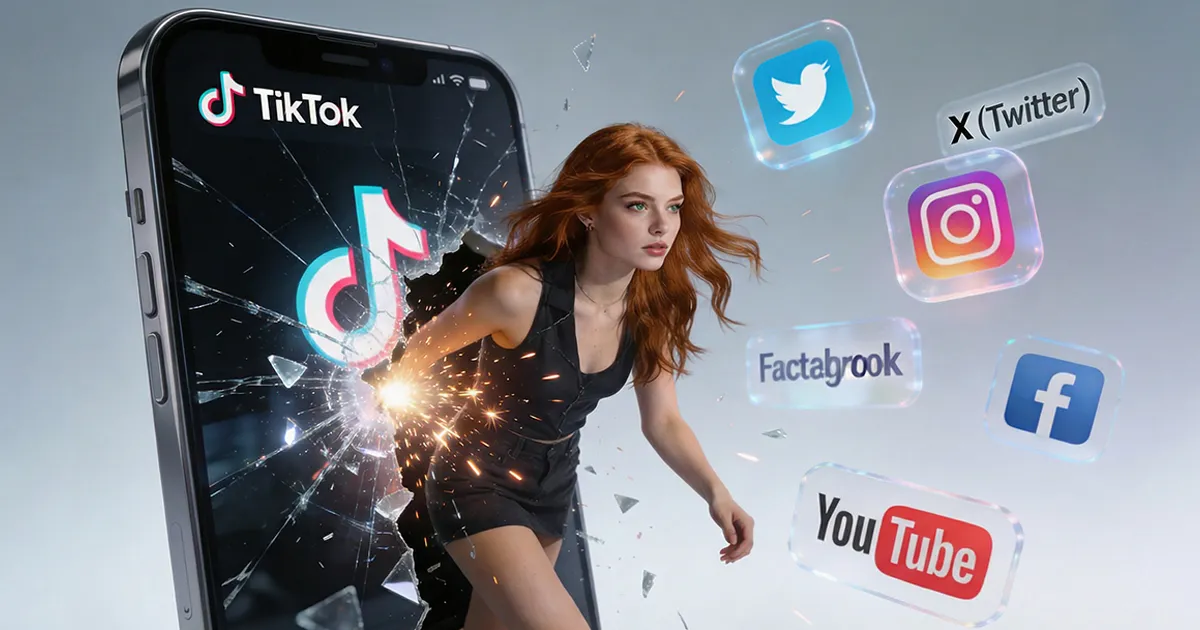
I recently came across a case study: a university student used AI to turn ordinary photos of themselves into dance videos. A single video garnered over 500k likes on TikTok and landed them their first paid brand deal.
Many people think it’s impossible and this may require professional editing and VFX skills. But after breaking it down, I found that it actually could happen and with AI effect tools, everyone can create similar videos within 15 minutes.
This isn't just about fun. In the short-form video era, it's a new skill for rapidly gaining traction and establishing a unique style.
Why AI Effects Are a Content Creator's New Secret Weapon
There are two core reasons:
- No need to learn complex software like After Effects or Blender. You can make people in photos "dance" to trending moves or transform static landscapes into cinematic scenes. This massively expands your content formats and visual impact.
- Trends fade fast. While others are still painstakingly editing, you can use "photo + AI effects" to quickly generate 3-5 stylized videos, which can save you lots of time. This lets you test different angles for audience response, dramatically increasing your content iteration and trend-catching speed.
From Basic Clips to Viral Content, There’s Only Six Step
Step 1: Define Your "Visual Signature"
Identify who you want to attract and find a visual style to emulate.
- Tool: Search keywords like "AI effects," "AI dance," "photo to video" on TikTok, Instagram, or Reels. Analyze the style, pace, and themes of high-engagement videos.
- Goal: Settle on a direction you can maintain, like "Everyday moments + dreamy effects" . Then, consistently create content on this direction.
Step 2: Build Your "Idea Bank"
Use a tool like Viyou's "text/image to image" feature to batch-create high-quality visual assets.
- Method 1: Generate scenes when you lack the right photo with “AI text to image”.
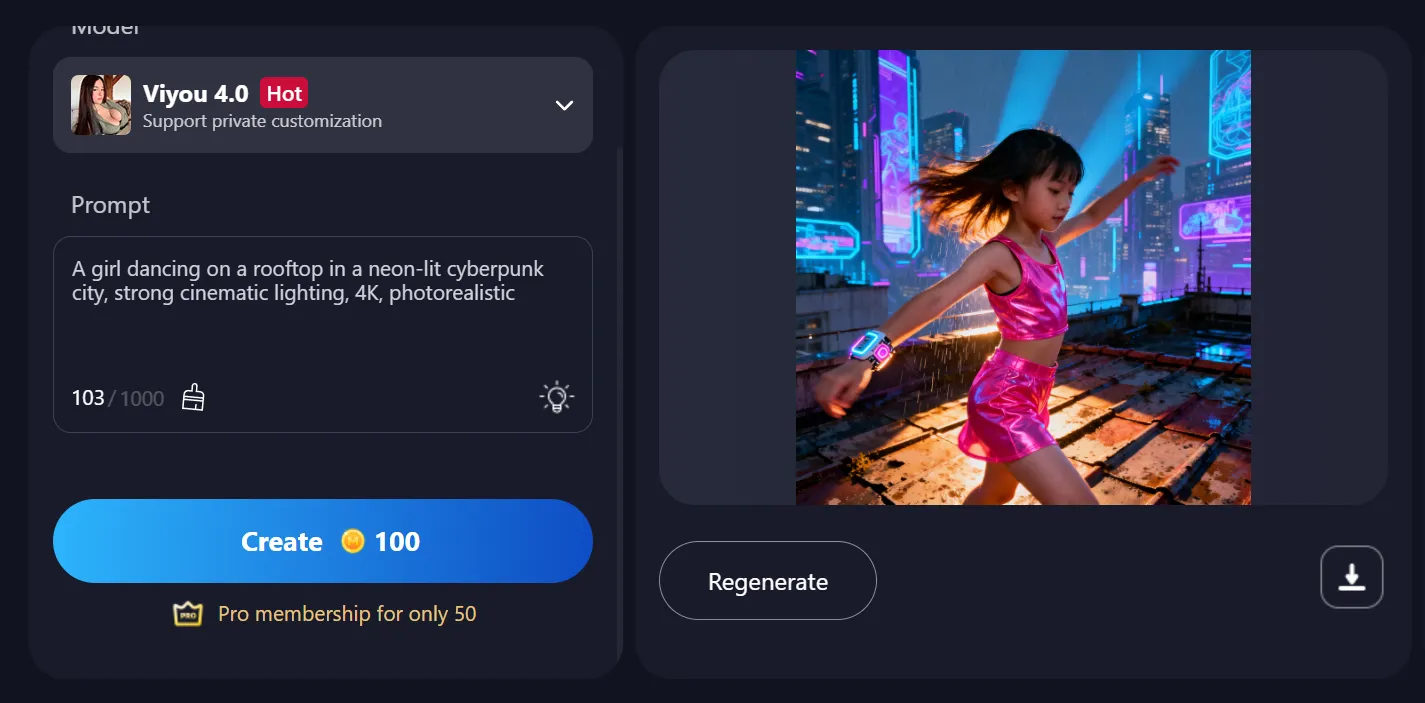
Prompt Example: "A girl dancing on a rooftop in a neon-lit cyberpunk city, strong cinematic lighting, 4K, photorealistic."
Use Case: Create unique video backgrounds or cover images.
- Method 2: Re-style your ordinary photos with “AI image to image”.
Action: Upload a photo and apply your chosen AI style.
Use Case: Instantly transform mundane originals into story-driven visuals, prepping them for the next step.
Step 3: Work Your "Motion Magic"
This is the core step for creating viral hits. Use the "AI image to video" feature.
- After that, the person in the photo will perform a smooth, natural-looking dance sequence.
Step 4: Add the "Finishing Touches"
Sometimes you may not be so satisfied with the video you create. Don’worry. Just use other AI features for polish.
- Close Up: Automatically generates or enhances facial close-ups to add emotional depth.
- Video Transitions: Adds AI-recommended seamless transitions between scenes for a professional flow.
- Themed Effects (e.g., Holiday, Fitness): Quickly create content for specific niches or holidays, making it easy to ride trends.
Step 5: Launch for Maximum Reach
Publish your content on the right platforms.
- TikTok / Instagram Reels: Ideal for fast-paced, entertaining AI effect videos like dances or transformations. Use relevant hashtags like #AI effects #AI dance.
- YouTube Shorts: Suitable for visually striking, artistic AI creations.
Step 6: Convert Views to Value
Once you gain momentum, think about long-term engagement.
- Create a Series: Build a branded series like #MyAIDanceChallenge to strengthen your brand identity.
- Offer Value: Share tutorials, or offer your AI video templates/assets to your community.
- Analyze Performance: Identify your top-performing effects and styles, then replicate and refine that success.
The Key Mindset: You're Not a Producer, You're a Director
In the future of content, creativity and taste will trump technical software skills. Tools like Viyou AI act as your all-in-one "digital effects team." Your core job is to direct the AI, rapidly turning unique ideas into tangible videos.
An old photo or a sudden spark of inspiration can be the start of your next viral video. By consistently testing, publishing, and iterating, you'll quickly discover your own visual formula for growth.
The Viyou AI Toolkit for Viral Effects
- Idea Generation: text to image (Build your initial asset library)
- Core Magic: image to video (Dance, transitions, etc. Bring content to life)
- Detail Refinement: Close Up, Themed Effects (Holiday, Fitness, etc. Tap into trends instantly)
(Remember: Effects are the icing on the cake. Lasting appeal still comes from the personal taste or genuine emotion you convey through your content.)