AI Video Generator
 AI Image to Video
 AI Text to Video
 AI Image Generator
 AI Image to Image
 AI Text to Image
 AI Video Generator
 AI Image Effects

 Bring your imagination to life with powerful Viyou AI tools.
 Contents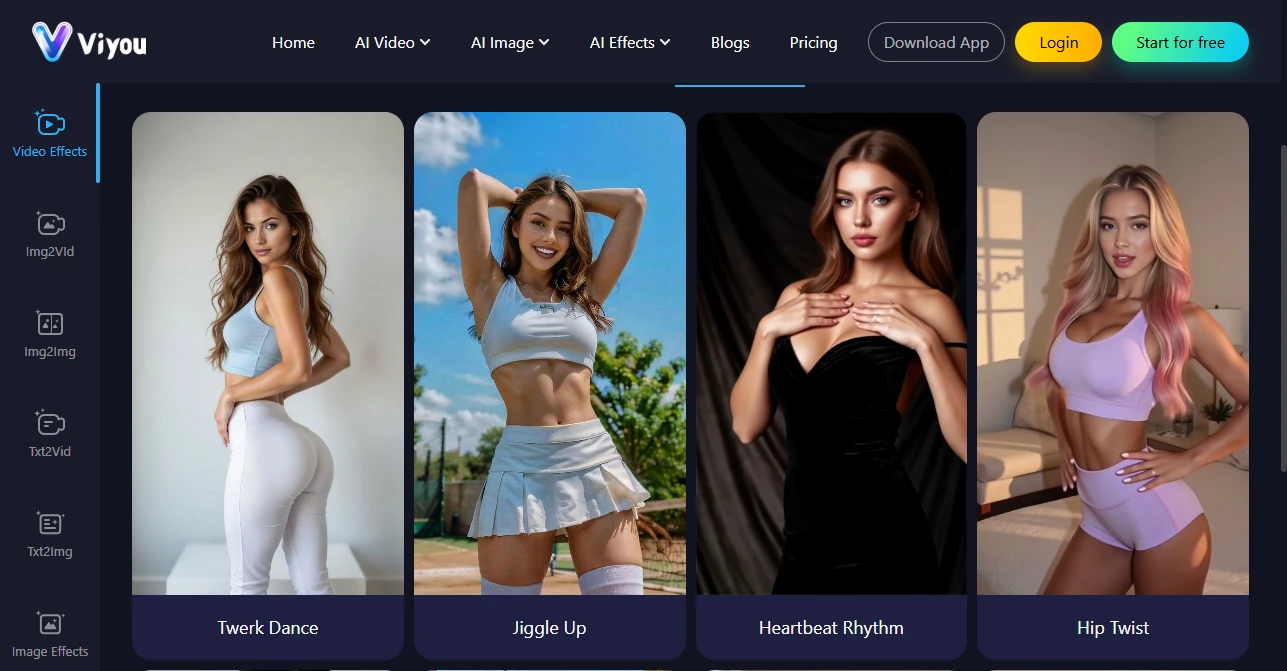
In today’s digital content landscape, AI unrestricted videos are gaining massive popularity on social media platforms like TikTok, Instagram, and YouTube Shorts. Creators are looking for ways to produce engaging, visually appealing, and professional-looking unrestricted videos that grab audience attention.
Viyou AI offers a powerful and easy-to-use AI video generator platform, combining multi-model engines and a variety of video templates, enabling users to turn photos or text prompts into AI unrestricted videos in just seconds.
Users can create AI unrestricted videos through three main methods:
Method 1: Create AI Unrestricted Videos from Images
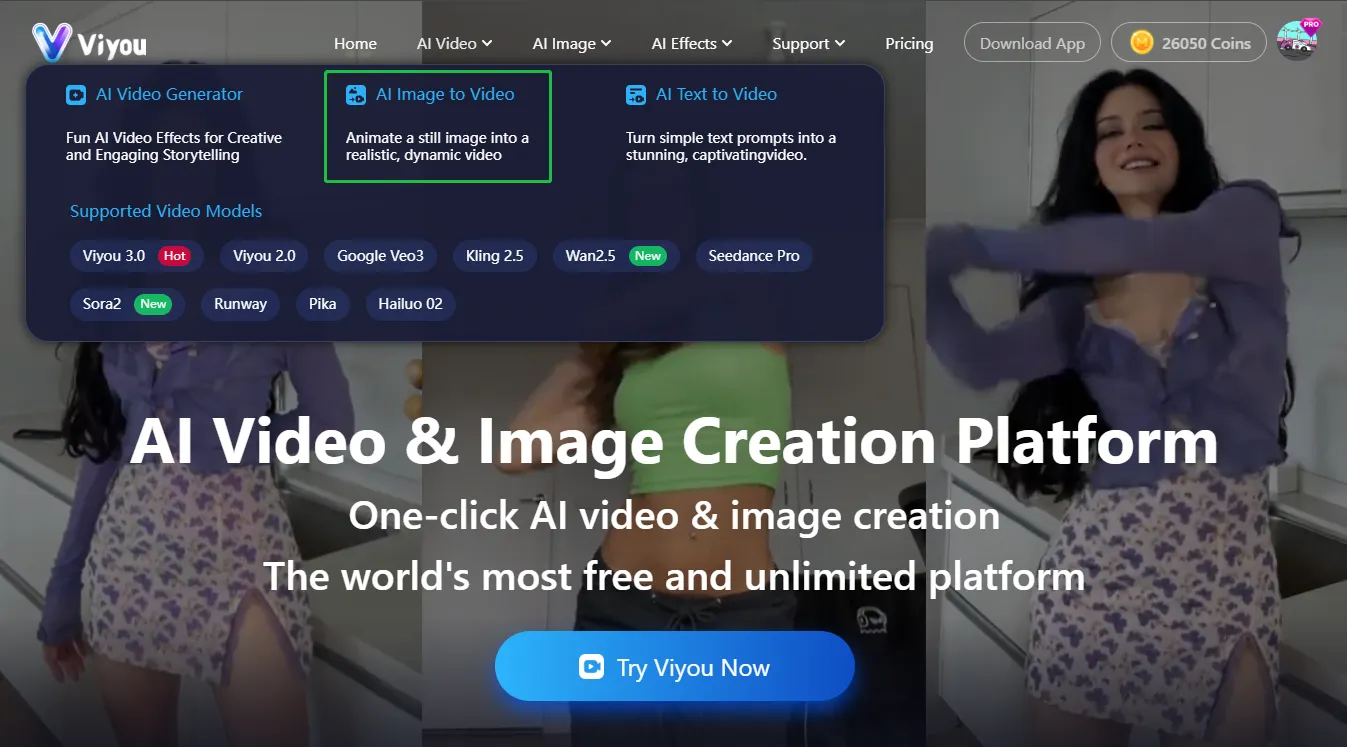

- Select the Image-to-Video feature On the Viyou AI dashboard, choose the “Image to Video” option.
- Upload your image and add a description Upload the photo you want to use for your AI Unrestricted video. In the prompt section, describe the creative and sensual scene you want the AI to generate.
- Adjust video settings Customize resolution, duration, automatic sound, and other parameters to ensure your video meets your vision.
- Generate and download your video Click “Generate,” and within seconds, Viyou AI will produce your Unrestricted video. Once complete, download it and share directly on TikTok, Instagram, or YouTube Shorts.
This method is ideal for users who want to quickly transform a single image into a dynamic and personalized AI unrestricted video.
Method 2: Create AI Unrestricted Videos from Text Prompts
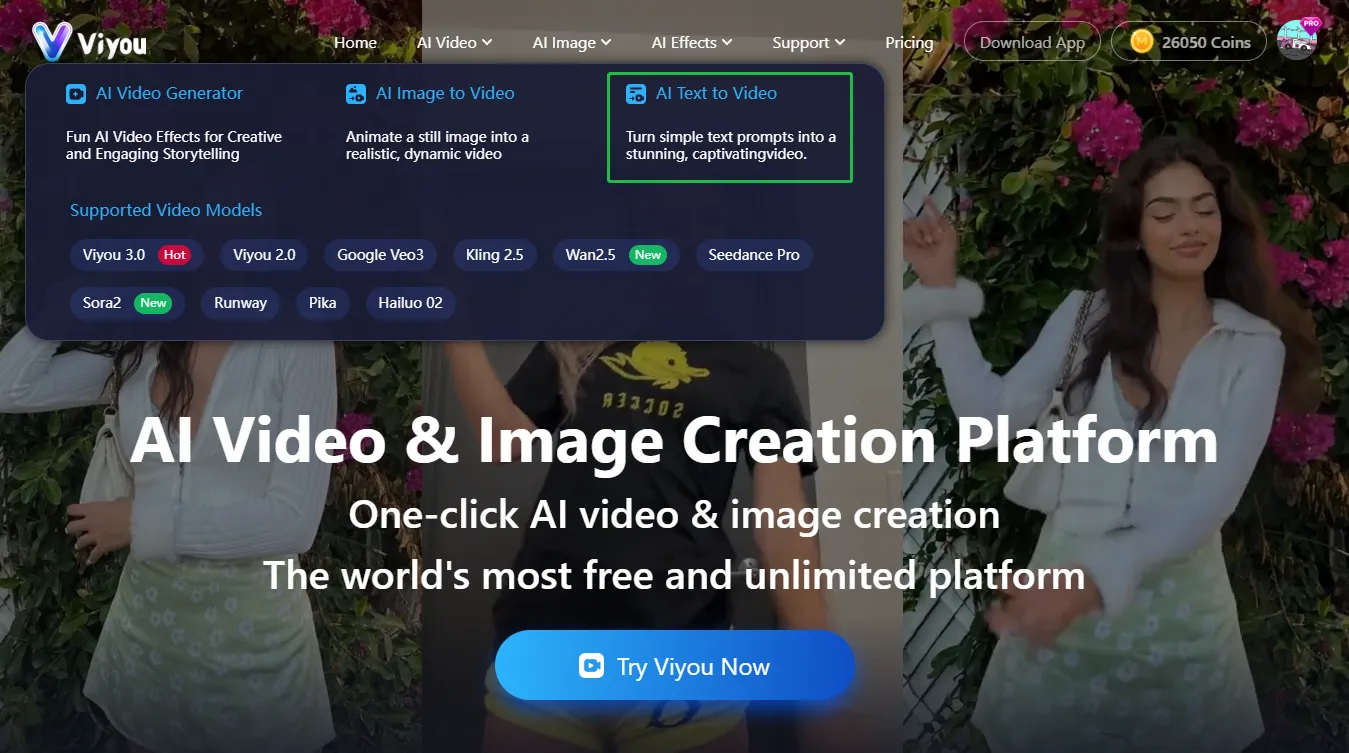

- Select the Text-to-Video feature On the dashboard, choose the “Text to Video” option.
- Enter your text prompt Type your creative description, including scene details, actions, or sensual ideas you want to appear in your AI unrestricted video.
- Customize video settings Adjust aspect ratio, duration, resolution, and automatic sound settings to match your desired output.
- Generate and download your video Click “Generate,” and Viyou AI will create a high-quality AI unrestricted video based on your text prompt. Download and share your video immediately on social media.
This approach is perfect for users who want to bring their textual ideas to life without uploading any images.
Method 3: Create AI Hot Videos Using Templates
- Select a hot video template Browse Viyou AI’s collection of hot video templates, such as Hot Temptation or AI Kiss. These templates are pre-designed with motion, lighting, filters, and cinematic rhythm to produce visually stunning results.
- Upload your image Upload your photo or avatar. The AI will automatically recognize your subject and apply the selected template effects to your image.
- Generate your video Click “Create / Generate,” and Viyou AI will produce your AI Unrestricted video, combining template motions and effects seamlessly with your image.
- Download and share Once generated, download your video and share it directly on TikTok, Instagram, YouTube Shorts, or X.
This method is ideal for users who want ready-to-use cinematic unrestricted videos without manually adjusting motion, lighting, or other visual parameters.
By combining these three methods — Image-to-Video, Text-to-Video, and Template-to-Video — Viyou AI offers a versatile AI video generator experience, allowing creators to choose the workflow that best suits their needs for producing AI unrestricted videos.