AI Video Generator
 AI Image to Video
 AI Text to Video
 AI Image Generator
 AI Image to Image
 AI Text to Image
 AI Video Generator
 AI Image Effects

 Bring your imagination to life with powerful Viyou AI tools.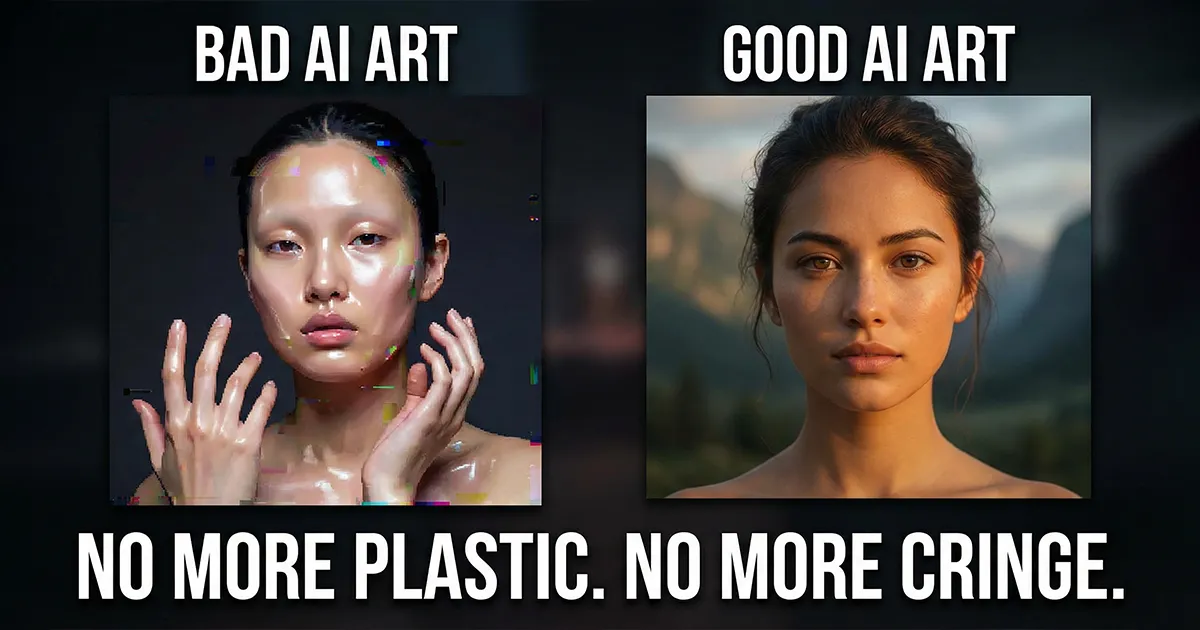
Let's be real—every time I see another one of those "AI blockbusters," I physically cringe. The filters are overdone, the movements are stiff and awkward, and the style mashups are so chaotic they're unrecognizable.
Honestly, most AI content instantly screams "amateur." But here's the thing: the people who actually know what they're doing have been quietly using these tools to grow their audience and land paid work. The gap isn't the software—it's the strategy.
Cutting the fluff. Here are the three most common "cringe AI" pitfalls and how to actually fix them.
1. Your prompts are so vague, the AI has no idea what you want.
"Cyberpunk, beautiful girl, cool"— that's not a prompt, that's a daydream.
AI is painfully literal. You have to spell it out like you're briefing a director:
❌ Don't say: "A girl."
✅ Say this: "An East Asian woman in her mid-20s with a black wolf-cut haircut and a small mole near her eye. She's wearing a distressed leather jacket, leaning against a wet alley wall under neon lights. Her expression is defiant, with a hint of a hidden story, with the neon-noir color palette of Blade Runner 2049. Cinematic, 4K, film grain."
See the difference? Details, references, texture. You need to see the shot in your head first.
Here’s where you need a generator that "gets" you.
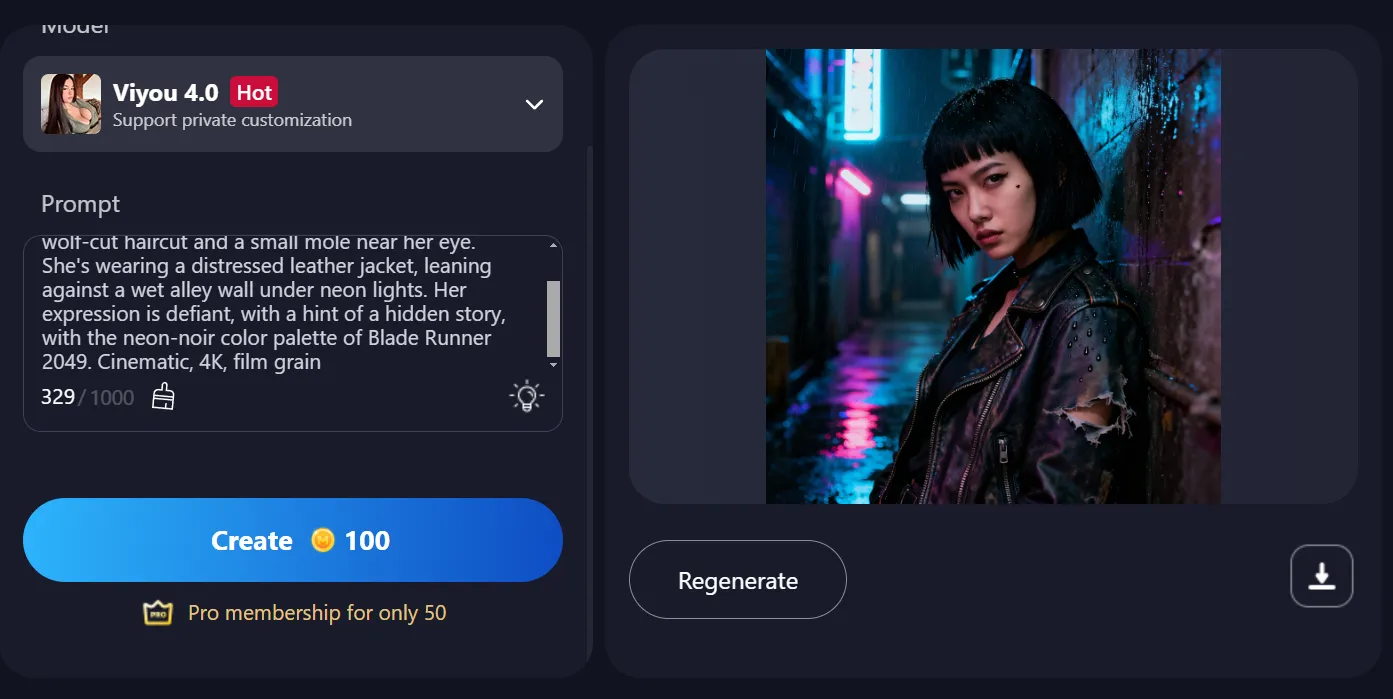
Take that detailed paragraph and throw it into Viyou AI's "Text to Image." Its strength is digesting complex, style-mixed, human-like descriptions, not just picking out keywords. The "cinematic feel" and "story" you describe will translate into layered lighting and genuine emotion in the output, not another cheap, generic AI face. This is what effective collaboration looks like.
2. Using a single still photo and expecting magic? That's why your video looks janky.
You can't feed a static image into a video generator and hope for a smooth, dynamic result. That's a recipe for awkward, disjointed motion.
Video is about movement. You have to give it a direction.
Here's the fix:
- Stop using flat, boring portraits. Even with a simple photo, think about the motion before you generate the video.
- Define the energy. Is it a slow, moody turn or a powerful intro? Then, pick a motion template (a specific dance or camera move) that matches.
The AI will use that template as a guide to animate your character intelligently. You're giving it a path instead of asking it to guess. Source Image + Clear Direction = Professional results.
3. Throwing in every idea. "More" is not "better."
A traditional portrait with a sci-fi robotic arm, an anime scene with realistic lighting… Stop. That's not creative—it's a visual trainwreck.
Real style comes from restraint. Pick one strong aesthetic and one focal point.
❌ The messy way: Combining watercolor, cyberpunk, and a glitter effect all at once.
✅ The smart way: A clean, minimalist black-and-white style. Then, your subject performs one powerful, expressive AI dance move. The contrast between the still background and dynamic movement creates instant impact.
You direct the tools. They don't direct you.
Your Action Plan: A Simple Workflow
Theory is good. Action is better.
- Find Your Vibe: Use text to image. Turn your abstract idea into a detailed description and generate a few concept images.
- Unify Your Style: Got old photos? Use an image-to-image feature to apply a consistent filter—comic book, futuristic, painted, etc. Consistency is key.
- Bring It to Life: Take your best image to the video generator. Select a motion effect that fits its mood. This is where the prep work pays off.
Right now, your taste and ideas are everything. The tools are just that—tools. They handle the "how," but you're in charge of the "what."
Stop making content you wouldn't watch yourself. Use these tools to execute the vision in your head.
Get started:
Open your tool of choice right now and turn that idea in your head into your first piece of AI content that actually looks good.