AI Video Generator
 AI Image to Video
 AI Text to Video
 AI Image Generator
 AI Image to Image
 AI Text to Image
 AI Video Generator
 AI Image Effects

 Bring your imagination to life with powerful Viyou AI tools.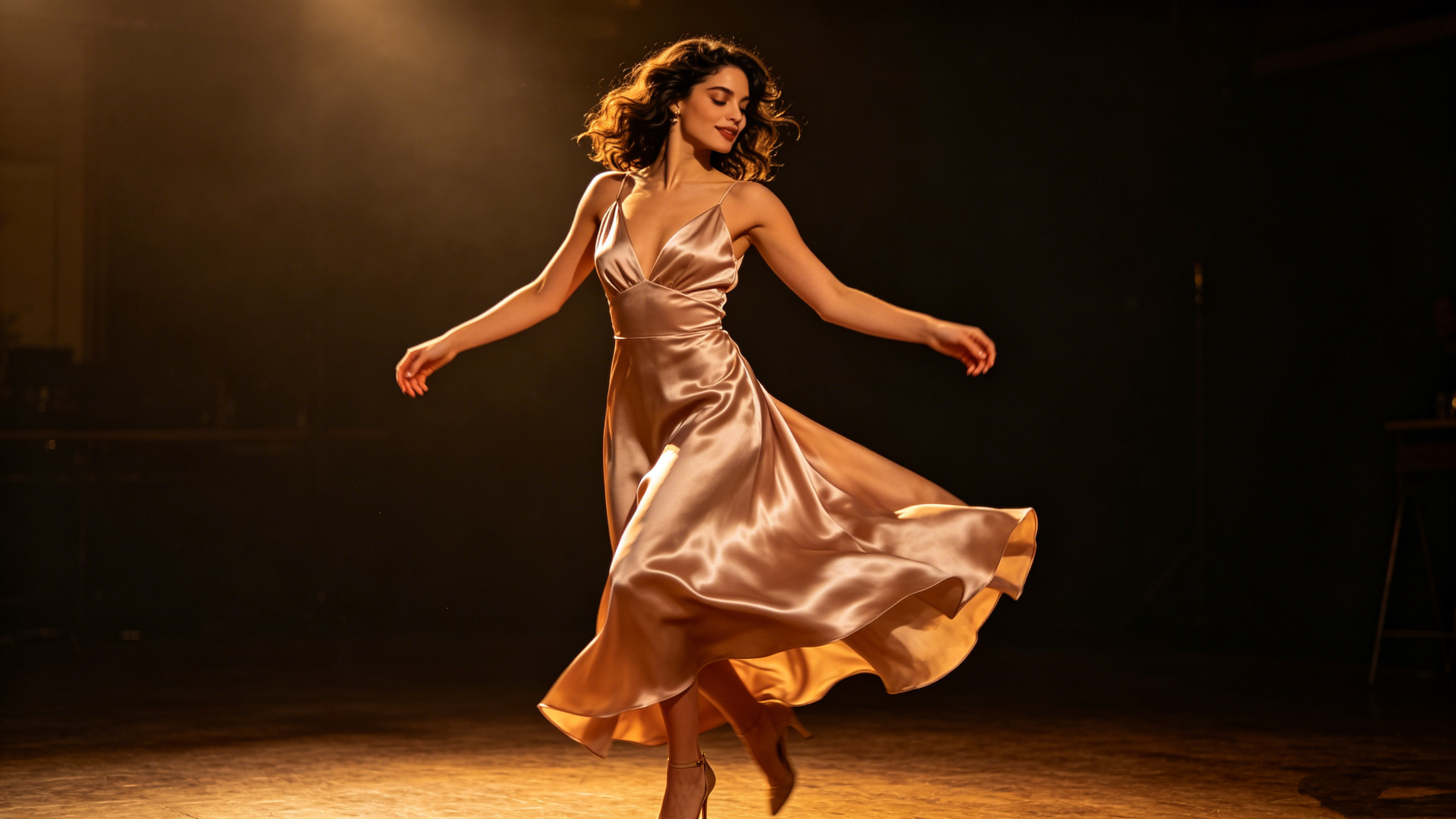
 Contents
Remember when photos just sat there looking pretty? Come on, that is so two years ago.
In 2026, the absolute hottest trend taking over TikTok, Instagram Reels or YouTube Shorts is taking a completely static photo—whether it's an AI avatar, a portrait of a friend, or a vintage throwback—and instantly turning it into a butter-smooth video of them tearing up the dance floor.
Thanks to next-gen "Image-to-Video" AI tech, you don't need a camera, a green screen, or even any actual rhythm to create a short dance clip that blows up everyone's feed. All you need is the right photo and a killer "motion prompt."
Whether you want to leverage the cutting-edge AI ecosystem of Wann.ai and viyou.ai to mass-produce viral content, or you just want to rack up likes on social media, this ultimate guide will show you exactly how to turn flat photos into viral dance masterpieces.
☝️Step 1: Pick the Perfect "Base Photo"
Before you even touch a prompt box, you need to know that not all photos are created equal. AI video models are insanely smart, but they still have to follow the laws of digital physics.
To avoid creepy glitches and floating limbs, choose a photo that fits these three rules:
Full-Body Only: If your photo cuts off at the waist, the AI will literally have to guess what the legs look like. That’s how you end up with nightmare-fuel anatomy. Stick to full-body shots where the feet are visible.
Form-Fitting Clothes: Oversized hoodies and massive trench coats confuse the AI when it calculates joint movements. Streetwear, crop tops, cargo pants, or activewear work best because the AI can easily track where the knees and elbows bend.
Clear Separation from the Background: A busy background makes it hard for the AI to isolate the person. A clean, minimalist backdrop yields a much smoother render.
✌️Step 2: Write the "Motion Prompt" (The Secret Sauce)
The Master Formula: The 5-Piece "Dance Prompt" Puzzle
If you want the AI to actually read your mind, your prompt needs to be tight and structured. Ditch those basic, lazy sentences and start using this 5-piece puzzle formula instead:
[Core Subject] + [Outfit & Styling] + [Specific Dance Style/Moves] + [Camera Direction] + [Setting & Lighting]
Let’s break down exactly how to max out each piece of this formula to get flawless results.
1. The Subject & The Fit
Dance videos need clean, visible body outlines. If the outfit is too crazy with floating layers, capes, or massive skirts, the AI’s physics engine will glitch out, leading to some serious clipping issues.
- Power phrases to use: full body shot (this is non-negotiable—nobody wants a dance video cut off at the waist) and wearing streetwear / crop top and cargo pants (keeps the silhouette clean).
2. Specific Dance Style
This is the make-or-break section. Never just type "dancing." The AI has no idea what vibe you're going for. You have to give it real verbs and specific genres.
- For Street / K-Pop Vibes: K-pop style choreography, sharp hip-hop moves, body isolation, energetic popping and locking.
- For Smooth / Elegant Vibes: smooth contemporary dance, elegant twirls, rhythmic swaying.
3. Camera Movement
A killer dance video needs high energy, which means the camera has to move with the dancer. Static cameras look boring.
- Power phrases to use: dynamic camera movement, tracking shot, and low angle shot (instantly gives your character that main-character aura).
4. The Set & Lighting
The cleaner the background, the better. It allows the AI to dump all its processing power into computing the actual body movements rather than rendering a messy backdrop.
- Power phrases to use: neon lit dance studio, clean minimalist background, or cinematic spotlight.
💃🏻Cheat Sheet: 3 Viral Dance Prompts
Ready to cook? Copy and paste these exact prompts into your generator and watch the magic happen.
Template 1: The K-Pop Idol Vibe
Perfect for capturing that ultra-trendy, synchronized music video look for TikTok or Reels.
A full body shot of a cool cyberpunk girl wearing a neon crop top and techwear pants, energetically performing K-pop style choreography. Sharp hip-hop moves, smooth body isolations. Dynamic tracking shot, low angle. Set in an underground neon-lit dance studio with cinematic spotlighting, 8k resolution, photorealistic, ultra-detailed.
Template 2: Street Style Popping & Locking
Best for heavy beats, bass drops, and sharp, high-energy edits.
A full body shot of a stylish young man in oversized streetwear and sneakers, performing aggressive popping and locking hip-hop dance. Fluid body waves and sharp stops. Dynamic camera movement panning around the subject. Urban street setting at night, wet ground reflecting neon signs, highly detailed, realistic footage.
Template 3: The Aesthetic Contemporary Dance
Perfect for moody, emotional, or beautiful storytelling videos.
A full body shot of an elegant woman wearing a simple flowing white dress, performing a smooth contemporary dance. Graceful twirls, rhythmic swaying, expressive arm movements. Static camera shot to focus on the choreography. Sunlit empty studio, beautiful golden hour lighting, cinematic film grain, highly aesthetic.
👉Insider Pro Tips (How to Avoid Landmines)
Lock in the "Full Body Shot" every time: Many models default to a medium close-up or portrait crop. If the AI cuts off the legs, the dance is going to look incredibly awkward.
Don't get greedy with the moves: Do not try to jam a backflip, a moonwalk, and a ballet spin into a single prompt. Pick one cohesive dance style per clip so the AI can keep the motion fluid and continuous.
Lay off the heavy negative prompts: When it comes to video generation, stuffing the negative prompt box with crazy constraints can choke the physics engine. It makes the model overthink, which usually leads to choppy frame rates or stuttering movement. Keep it simple.
👉Now click here, drop in these formulas, and let your character burn up the dance floor!