AI Video Generator
 AI Image to Video
 AI Text to Video
 AI Image Generator
 AI Image to Image
 AI Text to Image
 AI Video Generator
 AI Image Effects

 Bring your imagination to life with powerful Viyou AI tools.
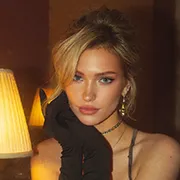
Have you ever wondered what your pet or your favorite little animal would look like if it became a human?
I used to think this was an "off-limits" area for AI - either generating a bunch of "animal-like maidens" with animal ears, or directly pasting the animal face onto a human body, or simply completely disconnecting from the original image's gentle charm. After dozens of failures, I finally found an AI tool that met all my requirements: Viyou.ai. As long as you input the correct instructions, it can translate the pet's temperament, light and shadow, and relaxation without copying the animal's appearance, but only stealing its "spirit", and completely transferring the pet's characteristics to a real person.
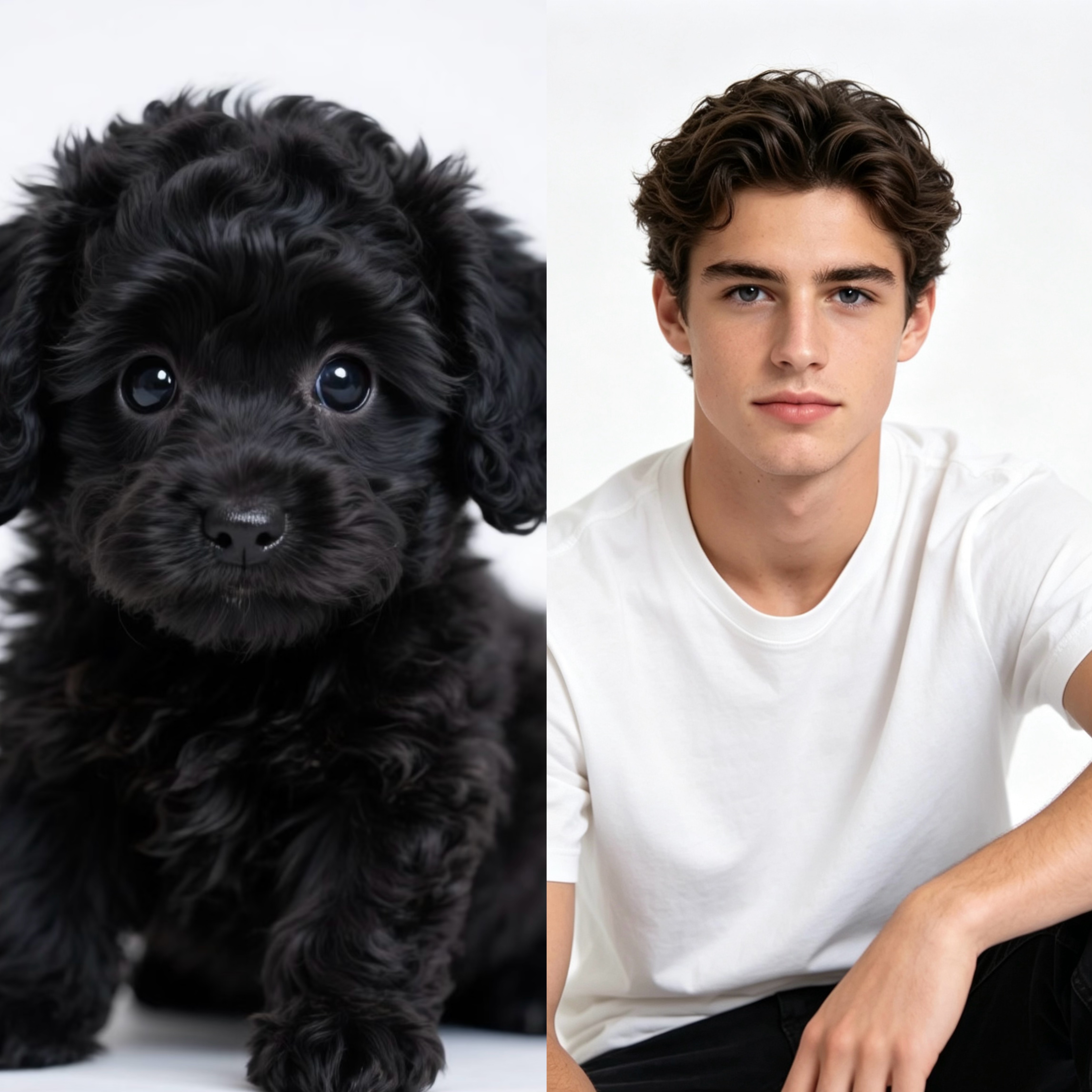
📌Core Logic: Don't draw "human-like animals", but draw "people with animal-like qualities"
The key for many people to make mistakes lies in writing the instructions as "personification of golden retrievers" or "personification of cats", and as a result, the AI directly adds animal ears and tails to you, completely going off the track.
The true essence of "animal-inspired portraits" is to translate features rather than replicate the appearance:
The "soul" of animals is translated into elements of real people.
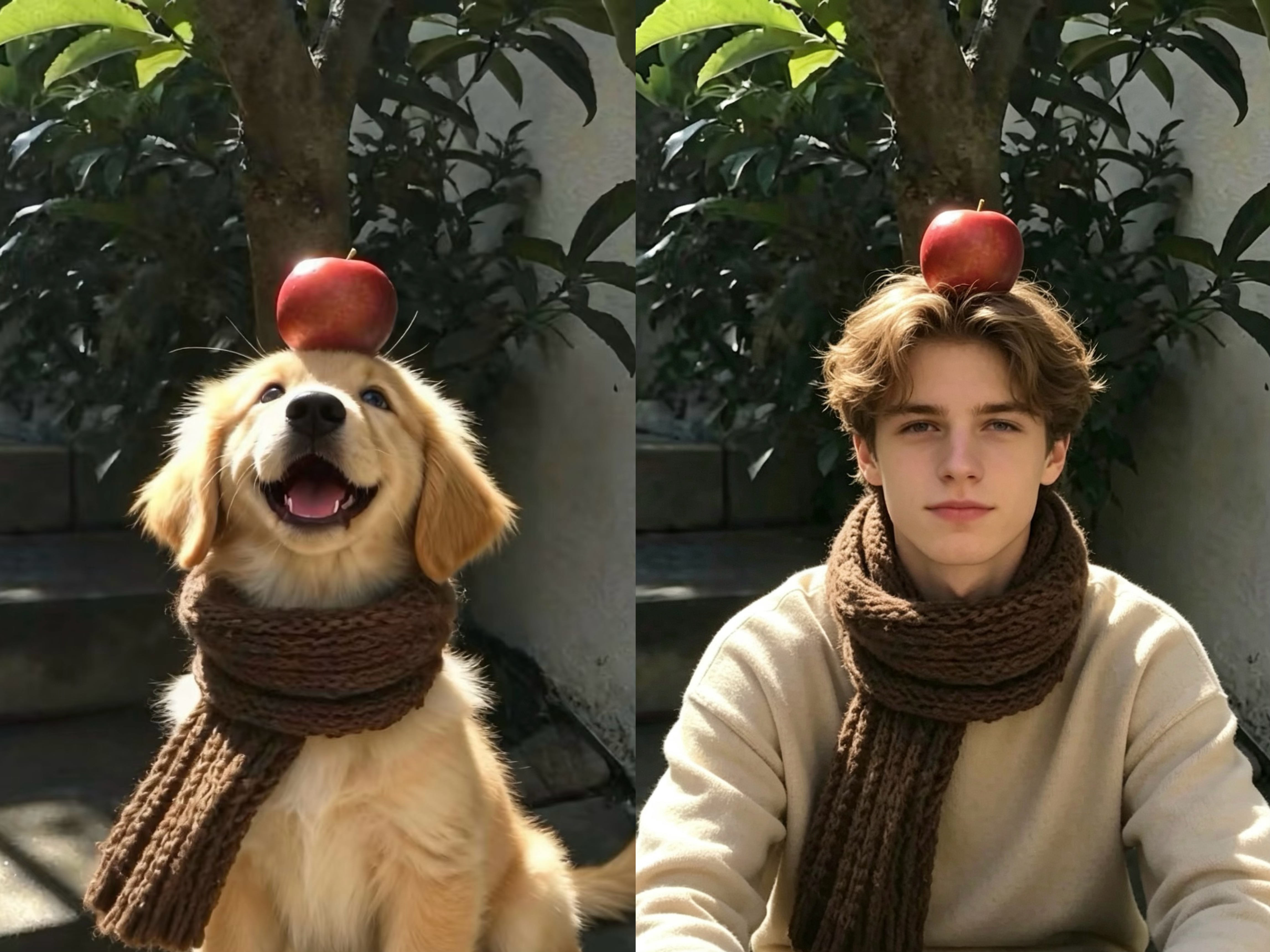
The sunny and healing aura of golden retrievers - warm-toned hair color, bright eyes, relaxed smile, warm brown knitwear outfit.
The cold and lazy demeanor of corgis - light-colored eyes, soft eyebrows and eyes, relaxed posture, low-saturation outfit.
The energetic and cute appearance of cocker spaniels - round face with a youthful look, energetic expression, warm-toned outfit, lively but not exaggerated expression.
The heroic and neat demeanor of German shepherds - neat short hair, determined eyes, simple dark-colored outfit, upright posture.
What you need to do is to separate the "atmosphere, light and shadow, and mood" of animals, and then reassemble them onto a human body, rather than having the AI directly draw a "person with a dog's head".
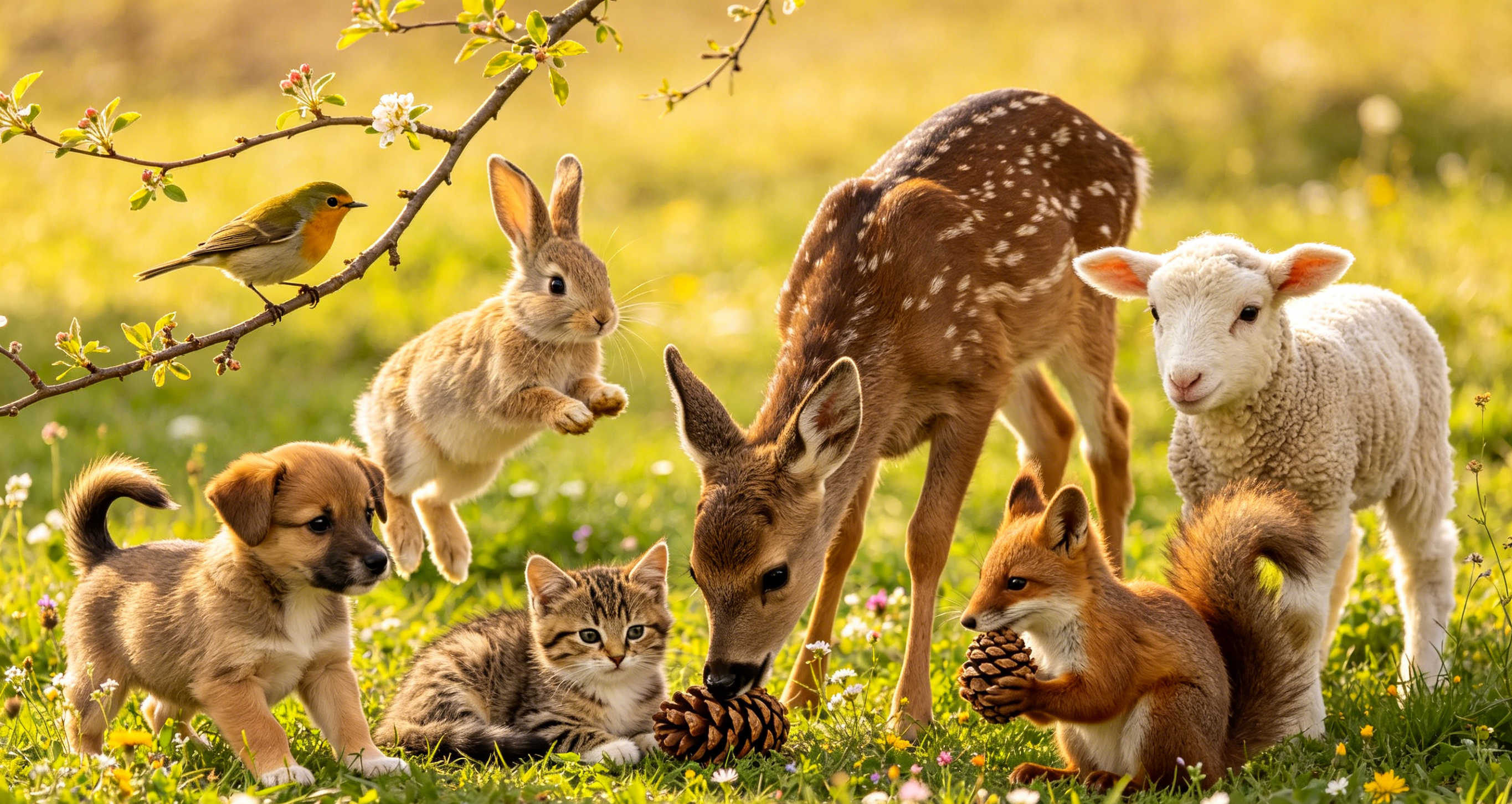
⭐Universal Instruction Template: A reference image can generate an emotionally touching portrait tailored to the specific theme.
I have compiled a set of universal instructions that can be used for any animal. You can simply copy and paste them into Viyou.ai and use them directly.
✅ Forwarding main instruction (general for both males and females)
Realistic portrait photography, young [male/female], based on the expression and temperament of the reference image, transform the feeling of the reference animal into the expressions, attire, and atmosphere of the real person, retaining the light and shade, color tone, and relaxed feeling of the original image, without any animal body, animal ears, animal tails, or animalized features. The skin texture is natural, it is a realistic portrait, without anime/cartoon/illustration style, 8K high definition, soft and natural light, overall relaxed and soothing atmosphere.
✅ Simplified one-sentence version (suitable for those who don't want to type too many words)
Based on the animals shown in the picture, create a photo of a male/female with similar facial expressions. Do not include the animal's fur or any animal features. The scene and mood should be the same as in the picture.
❗️ Must add negative prompt words (completely eliminating animalized elements)
Do not include animal body, animal ears, animal tails, anthropomorphic animals, cartoon/anime, sticking out tongue, exaggerated expressions, deformed facial features, blurry image quality, low-resolution noise, excessive beautification, overly heavy filters
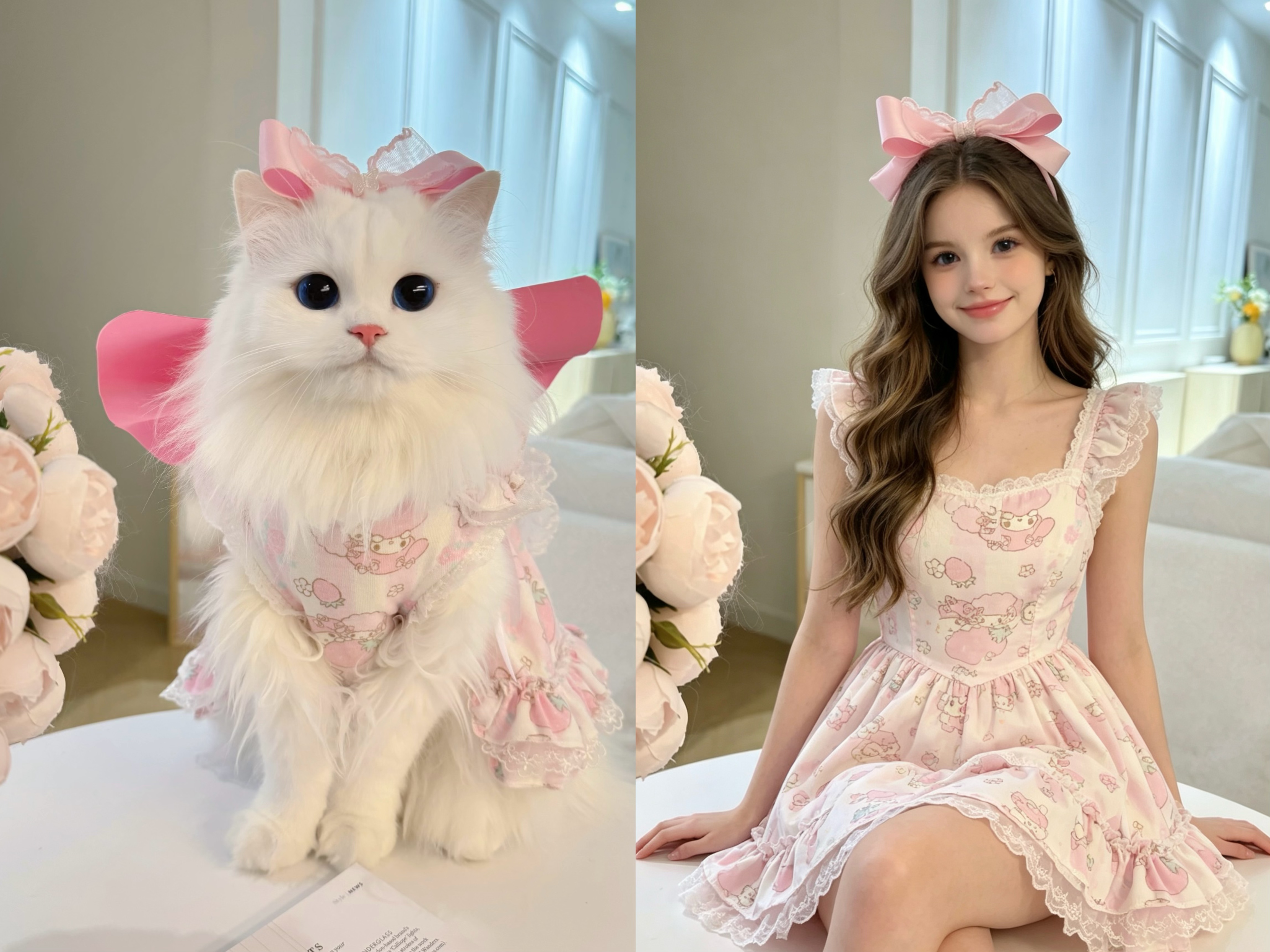
📚Zero failure operation steps: Taking "Golden Hair Healing Portrait" as an example
1. Upload reference image: In Viyou.AI, activate the "Image-to-Image" mode and upload the animal photo you have selected.
2. Copy the instruction + fine-tune: Paste the general main instruction above and add a sentence that suits the temperament of the animal, such as "Warm sunlight, youthful feeling, soothing closed-lip smile".
3. Add negative prompt words: Paste the negative words completely to avoid the AI drawing a bad result.
4. Fine-tune the keywords of light and shadow (optional): If you want to be closer to the original image's feeling, you can add keywords like "Afternoon warm golden side backlight, leaf light spots, courtyard stone steps scene" to restore the original image's lighting atmosphere.
⭐Tips for Avoiding Blunders, Ensuring Your Portrait Doesn't Go Awry
1. Avoid including "personification" in the instructions: Once you write "personification", the AI will automatically generate animalized elements. It would be much safer to write "extract the essence and transform into a real person".
2. Clearly prohibit "tongue sticking/outstretched mouth": Many animal photos have the expression of sticking out the tongue. The AI is likely to copy it directly. Make sure to add "close lips, smile, no tongue sticking, no exaggerated expressions" in the instructions.
3. Prioritize extracting light and shadow atmosphere: Compared to facial features, light and shadow and the scene are the most easily translatable. For example, the warm golden sunlight in the original image, the white walls and green plants background, can all be directly written into the instructions.
🔚Final Words
In fact, our love for small animals stems from the sense of relaxation, healing and vitality that they bring. Using AI to transform this feeling into a real person is like turning a gentle emotion into a tangible visual image.
If you have a beloved small animal or pet, why not try this method to turn its gentleness into an exclusive atmosphere animal portrait that belongs to you?