AI Video Generator
 AI Image to Video
 AI Text to Video
 AI Image Generator
 AI Image to Image
 AI Text to Image
 AI Video Generator
 AI Image Effects

 Bring your imagination to life with powerful Viyou AI tools.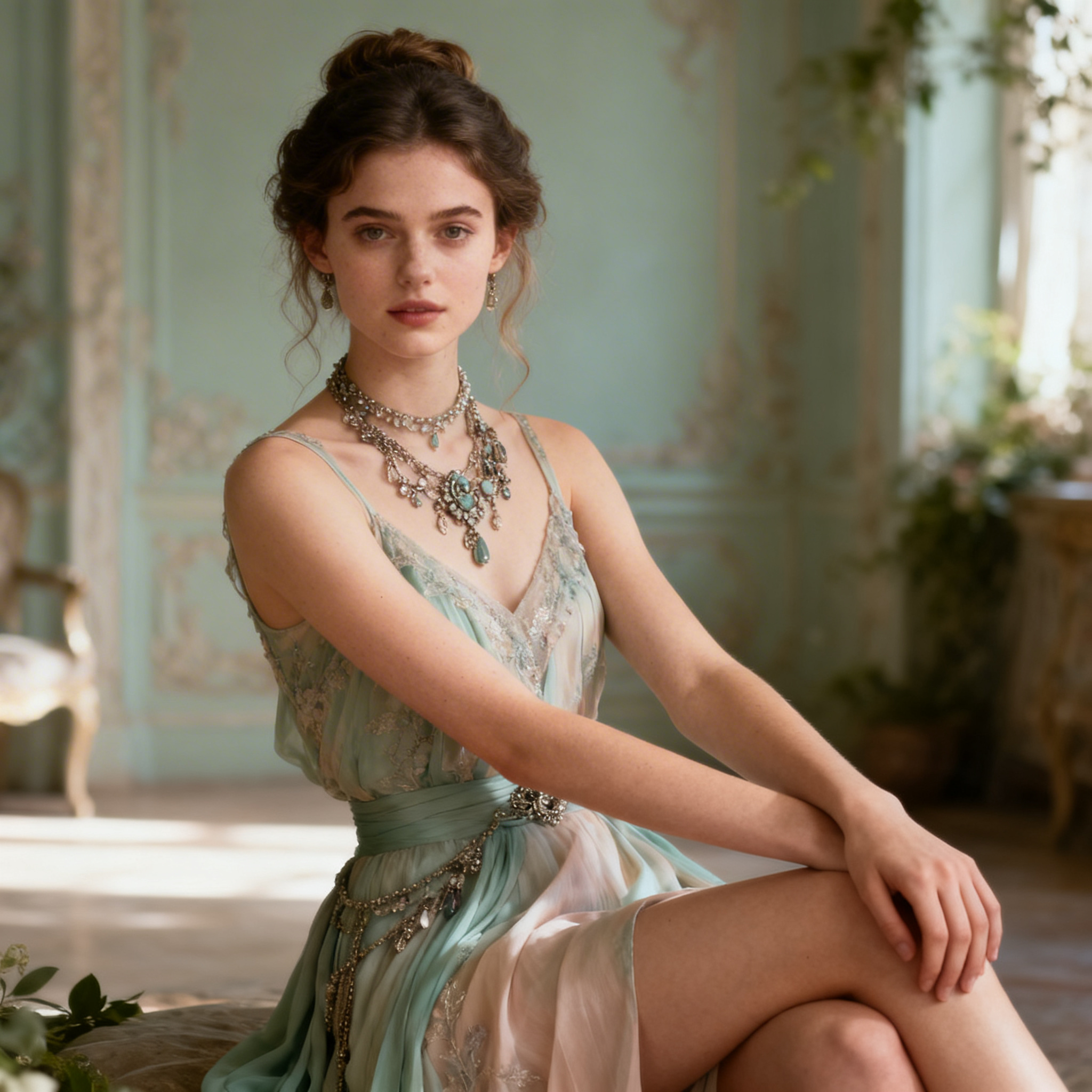
 Contents
Creating engaging videos can be challenging. Even for experienced content creators, replacing characters, experimenting with new visuals, or keeping up with social media trends often takes hours of editing and advanced software skills. Enter Viyou AI Motion Control—a tool designed to simplify complex video editing while unlocking endless creative possibilities.
Whether you’re a dance creator, social media marketer, educator, or just someone who loves making fun videos, this feature addresses real pain points: time-consuming editing, limited creative flexibility, and the difficulty of generating personalized video content.
Key Features That Solve Real Problems
- Instant Character Replacement
Traditional video editing requires frame-by-frame adjustments to swap characters or faces. With Viyou AI Motion Control, you can replace the original person in any video clip with your own photo—or an AI-generated character—with just a few clicks. The AI automatically maps movements from the original video to your new image, creating realistic motion without extra work. - Ready-Made Templates for Fast Results
Not everyone has the perfect image for video editing. That’s why Viyou offers a library of pre-designed templates. Simply upload your photo or select a template, and instantly see your character in motion—ideal for creators who want to produce high-quality content quickly. - Seamless AI Integration with Text-to-Image
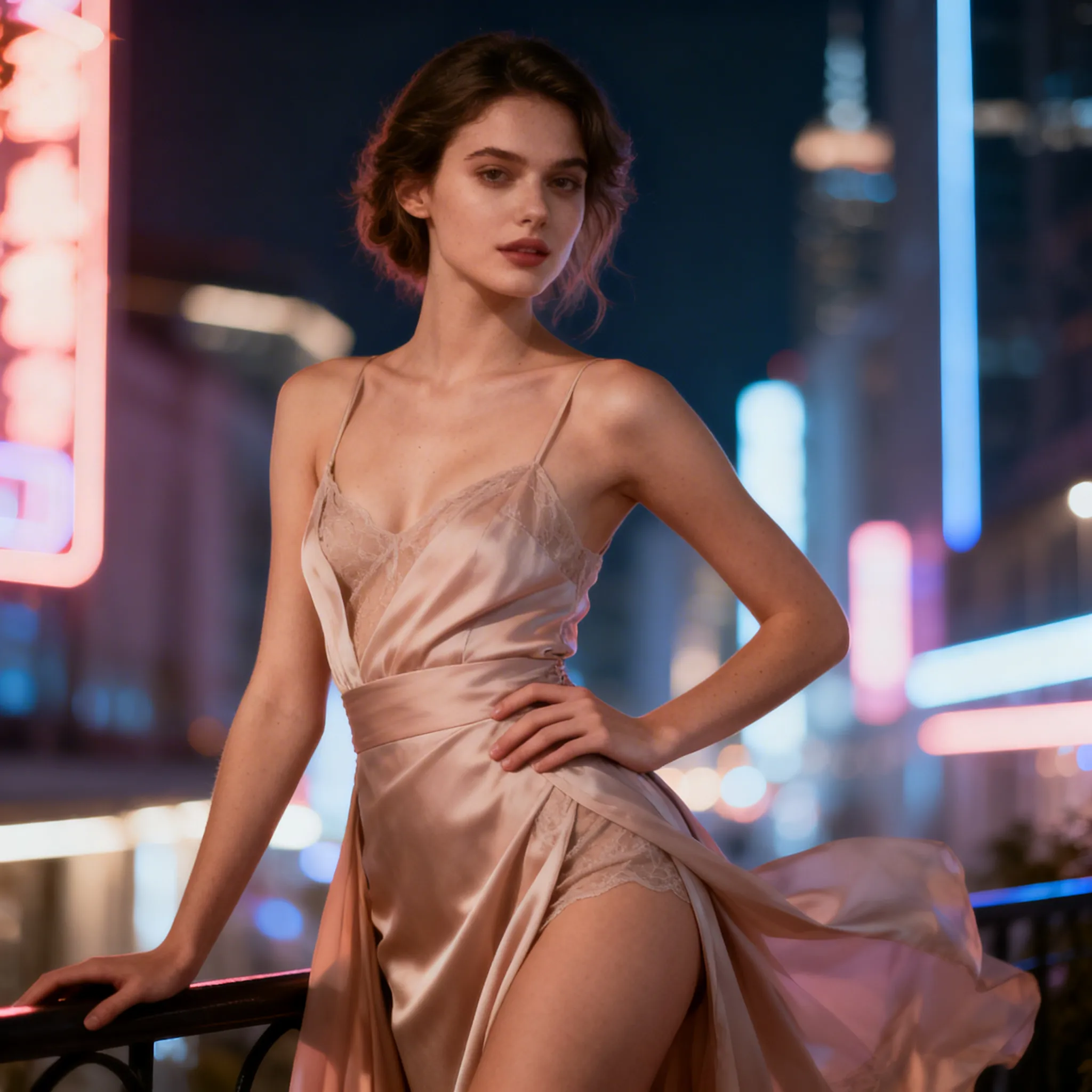
Some creators don’t have a photo ready or want something truly unique. By combining Viyou AI Text-to-Image with Motion Control, you can generate a character from a text prompt—whether it’s a fantasy avatar, cartoon, or realistic human—then animate it in your video. This opens a new world of creative possibilities and solves the common problem of “I don’t have the right image.” - Automatic Motion Mapping and Realistic Animation
Forget about manually syncing movements. The AI tracks motion from your original video and applies it to your uploaded or generated character. This ensures natural, fluid animation—saving hours of work and reducing the frustration of imperfect edits.
Real-World Applications
- Dance Videos & Performance Clips – Swap dancers with yourself, a friend, or an AI-generated character to create viral content for TikTok or Instagram Reels.
- Marketing & Promotional Content – Replace models in promotional videos with your team members or brand mascots, giving campaigns a personal touch without costly reshoots.
- Educational Videos – Make explainer videos more engaging by animating custom characters, mascots, or avatars to guide viewers through lessons.
- Fun & Social Sharing – Turn everyday videos into entertaining clips by swapping people in the scene, creating memes, or experimenting with creative transformations.
How It Works: Step by Step
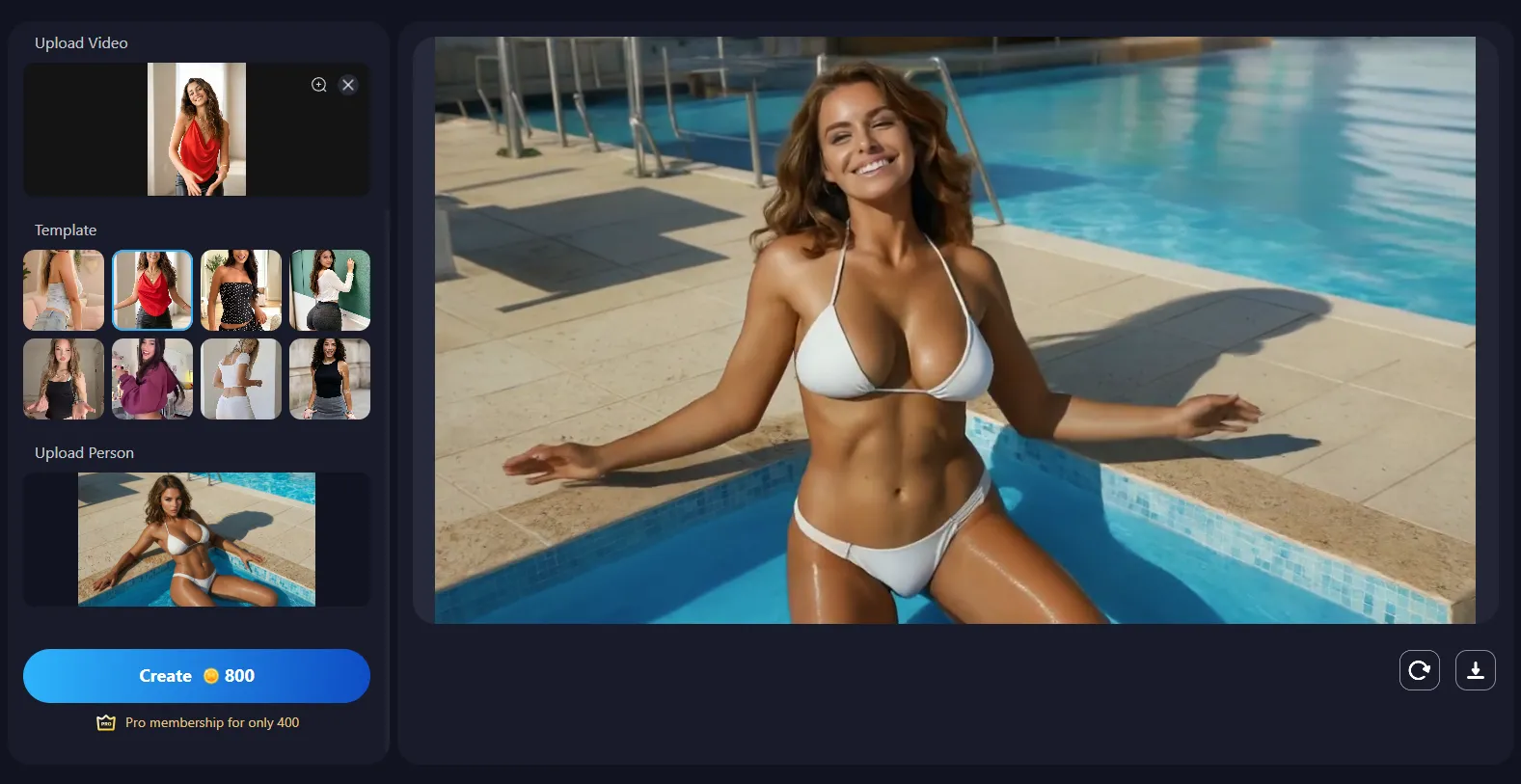
- Upload Your Video – Choose any clip, from professional footage to casual recordings.
- Upload or Generate Your Character – Use your own photo, select a template, or generate a new character with Viyou AI Text-to-Image.
- Apply Motion Control – The AI automatically maps the motion from the video to your character.
- Preview and Customize – Make minor adjustments if needed to ensure perfect results.
- Export and Share – Save in multiple formats for social media, websites, or presentations.
Why Users Love It
- Time Efficiency: Reduce hours of manual editing to minutes.
- Creative Freedom: Experiment with characters, looks, and scenes without technical barriers.
- Professional Results: Produce polished, high-quality videos even without advanced editing skills.
- Endless Possibilities: From marketing campaigns to social media fun, the combination of Motion Control and Text-to-Image unlocks a full creative workflow.
Get Started Today
Transform your video creation process and explore new creative possibilities with Viyou AI Motion Control. Combine it with Viyou AI Text-to-Image to generate characters and bring your ideas to life faster than ever.