AI Video Oluşturucu
 AI Görselden Videoya
 AI Metinden Videoya
 AI Görsel Oluşturucu
 AI Görselden Görsele
 AI Metinden Görsele
 AI Video Effects
 AI Image Effects

 Güçlü Viyou AI araçlarıyla hayal gücünüzü hayata geçirin.
 İçindekiler
Most AI-generated videos today look… impressive at first glance.
Sharp visuals. Beautiful characters. Clean lighting.
But something still feels off.
They look like slideshows — not movies.
So what’s missing?
It’s Not Resolution. It’s Not Color.
It’s camera motion.
Cinematic feeling doesn’t come from pixels —
it comes from how the camera moves through space and emotion.
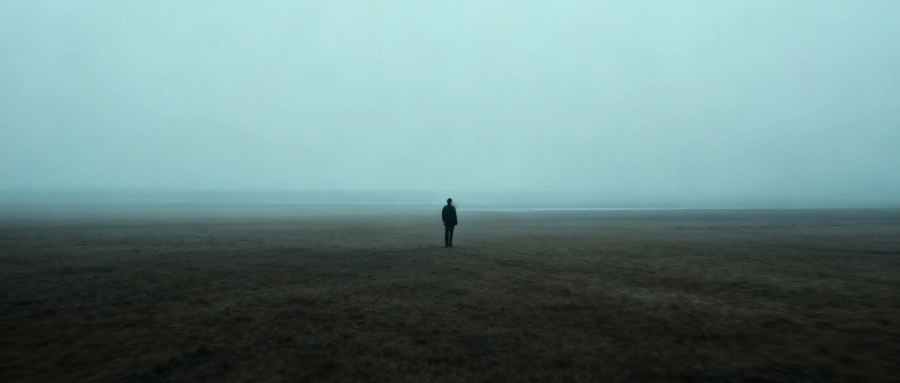
What Makes a Video Feel “Cinematic”?
In filmmaking, the camera is not just recording.
It’s guiding emotion.
- A slow push-in builds tension
- A sudden pull-back amplifies loneliness
- A handheld shake creates realism
- A smooth tracking shot feels professional
👉 Without motion language, even perfect visuals feel lifeless.
Why Most AI Videos Fail
From testing tools like Runway, Pika, and even advanced pipelines:
Most users make 3 key mistakes:
1. “Static Prompt” Thinking
They describe the scene, but not the camera behavior.
2. Too Many Movements
Stacking 5–6 motion instructions = chaos
3. Vague Instructions
“dynamic camera” ≠ usable direction
The 3 Golden Rules of Cinematic AI Video
Before jumping into prompts, follow these:
1. Use Only 1–3 Camera Movements
Less is more. Clarity beats complexity.
2. Emotion First, Camera Second
Ask:
What should the viewer feel?
Then choose motion accordingly.
3. Be Specific
- ❌ “moving camera”
- ✅ “slow push-in toward subject”
Essential Camera Movements (With Prompt Examples)
1. Push & Pull (Control Emotional Distance)
- Slow push-in → tension, intimacy
- Fast pull-back → isolation, scale
- Extreme slow zoom to face → emotional peak
- Pull from close-up to wide → reveal environment
👉 Example:
camera slowly pushes in toward the subject, smooth and stable
2. Camera Movement Paths
- Horizontal tracking → follow action
- Vertical rise → reveal scale
- Diagonal move → instability
- Orbit (360°) → dramatic focus
3. Motion Styles (Realism vs Cinema)
- Handheld → realism, tension
- Dolly (smooth track) → cinematic polish
- Fly-through → immersion
4. Speed Control
- Gradual acceleration → tension build
- Slow-down → emotional weight
- Freeze frame → dramatic emphasis
- Slow motion → highlight detail
5. Transitions That Feel Like Film
- Whip pan (fast blur transition)
- Object wipe (foreground transition)
- Match cut
- POV shift
Emotion-Based Camera Design (Pro-Level Thinking)
Tension / Fear
extreme close-up of eyes, rapid push-in, slight handheld shake
Loneliness
wide shot, fast pull-back, subject becomes small in frame
Intimacy
slow circular orbit around two characters, soft motion
Psychological State
camera slowly rotating, slight tilt, unstable framing
Action Scene Camera (Blockbuster Feel)
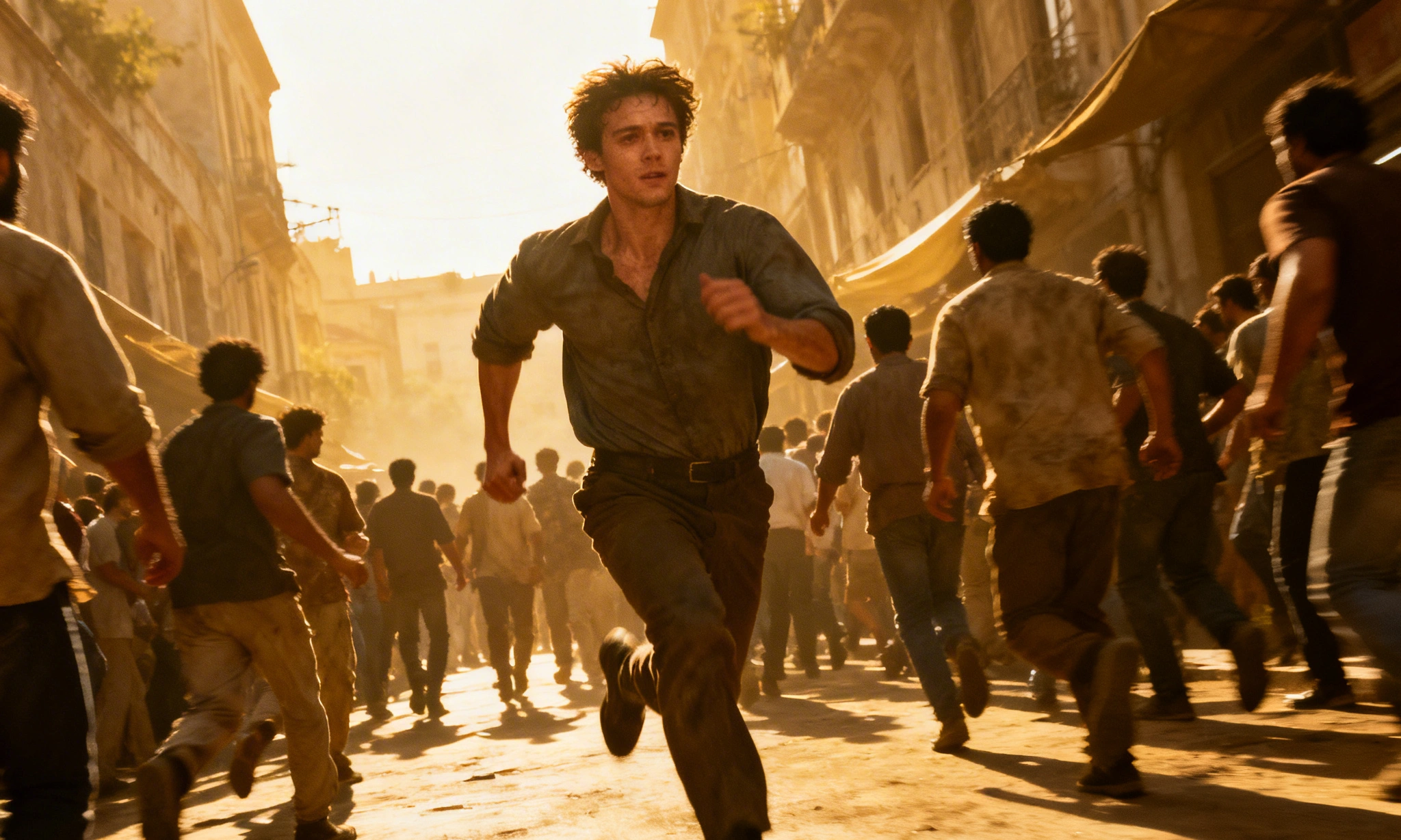
Chase Scene
handheld tracking shot, fast pace, slight shake, subject running
Stealth
low-angle slow forward movement, close to ground
Fight Scene
fast cuts with slow motion highlights, dynamic push-in
Creative Effects (Use Carefully)
- Fisheye distortion → stylized visuals
- Time reversal → surreal effect
- Motion trails → energy & speed
- Glitch effect → digital aesthetic
Optimizing for Viyou AI (Seedance / Kling)
When using Viyou AI, especially:
- Seedance 2.0
- Kling 3.0
👉 Add this line at the end of your prompt:
optimized for dynamic rendering and smart focus
This helps:
- Stabilize motion
- Improve subject consistency
- Enhance cinematic flow
Common Mistakes to Avoid
| Mistake | Fix |
|---|---|
| Too many camera actions | Use max 2–3 |
| Motion before emotion | Start with feeling |
| Vague wording | Be precise |
Universal Prompt Formula (Copy & Use)
[Scene Description] +[Precise Camera Motion] +[Visual Quality] +[Lighting Style] +[Optional: Speed / Lens] +[Optimization Tag]
Example Prompts
Cozy Scene
a cat resting by the window in winter sunlight,camera slowly pans horizontally with subtle breathing effect,warm cinematic tone, soft natural lighting,optimized for dynamic rendering
Urban Emotion
a young man sitting alone in a convenience store at night,extreme slow push-in from wide shot to close-up,cool desaturated tones, fluorescent lighting,optimized for smart focus
Action Scene
a warrior turns at the edge of a cliff facing enemies,slow motion close-up followed by rapid push-in,high contrast cinematic lighting, dramatic shadows,optimized for dynamic rendering
Final Thought
Great visuals don’t create cinematic videos. Intentional camera movement does.
AI tools will keep improving.
But creators who understand why a shot works
will always outperform those who just stack prompts.
Want Better Results?
Start treating your prompts like directing a film — not generating an image.
And if you want full control over motion, consistency, and cinematic feel:
👉 Try Viyou AI