Why Most AI Videos Look Flat
Most AI videos fail because they lack one thing:
👉 Camera movement
People focus on:
- Subject ✅
- Style ✅
But ignore:
- Motion ❌
- Timing ❌
- Cinematic language ❌
The Structure of a High-Quality Video Prompt
Every strong AI video prompt follows:
Subject + Action + Environment + Camera Movement + Lighting + Details + Style
10 Best AI Video Prompts (Copy & Paste)
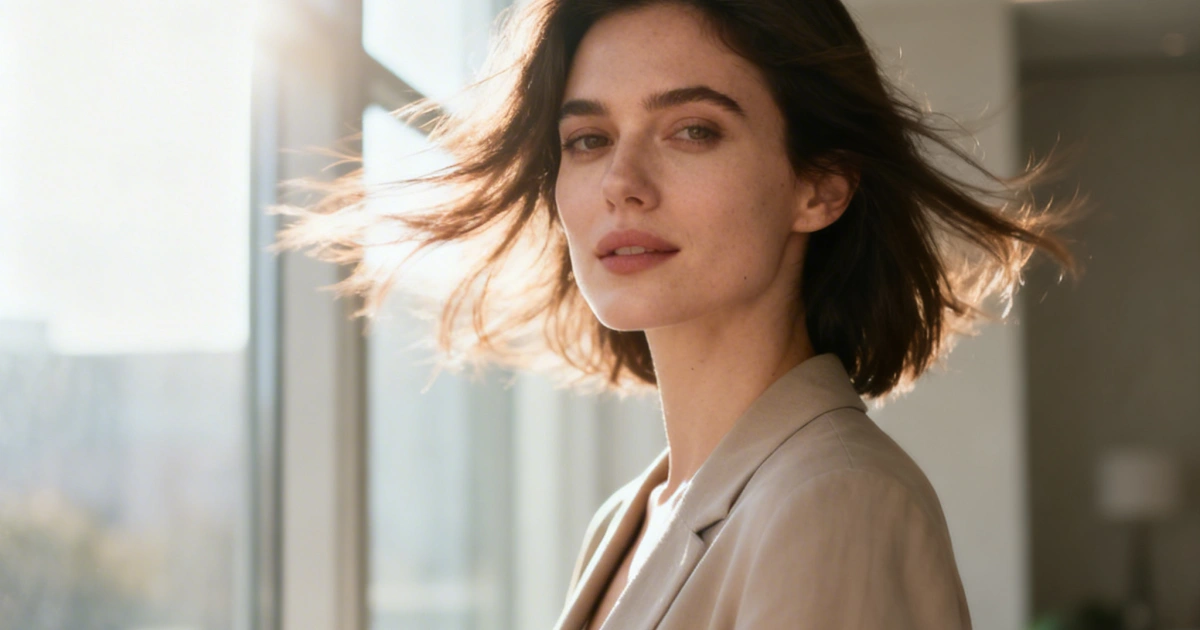
1. Cinematic Push-In Portrait (Emotional Impact)
A cinematic close-up of a woman standing by a window, soft natural light illuminating her face, subtle wind moving her hair, emotional expression, the camera slowly pushes in toward her face, shallow depth of field, 85mm lens look, film grain, soft shadows, ultra-realistic, cinematic color grading
👉 Use for:
- Emotional storytelling
- AI influencer content
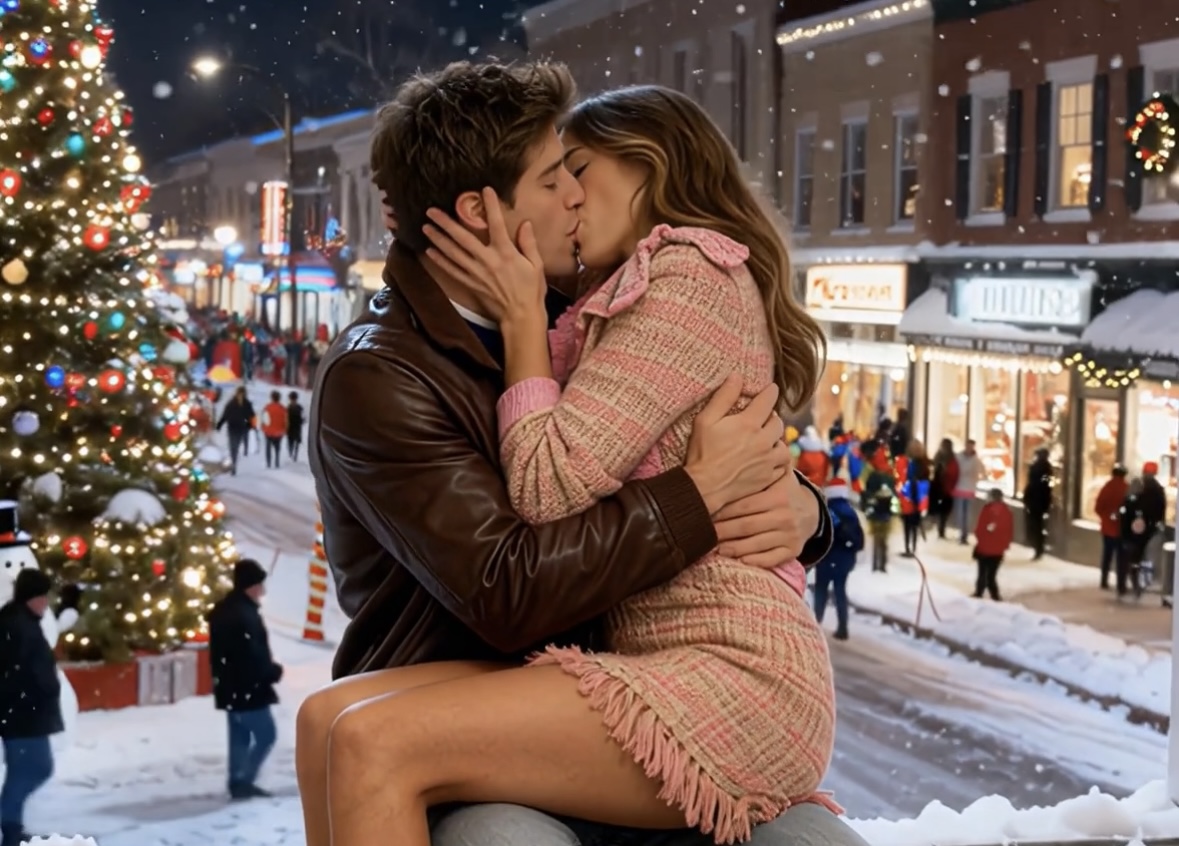
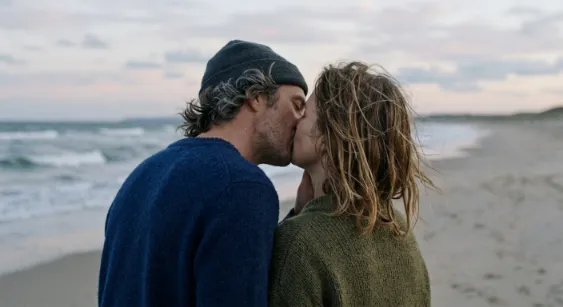
2. Romantic Scene (High Engagement)
A couple leaning close in a dimly lit bar, warm ambient lighting, soft neon reflections, subtle eye contact and slow movement toward each other, the camera gently circles around them, shallow depth of field, cinematic lighting, intimate atmosphere, ultra-detailed, smooth motion
👉 Perfect for:
- Viral short videos
- Relationship content
3. Luxury Lifestyle Shot (Premium Feel)
A stylish man adjusting his suit in a luxury penthouse, city skyline at night visible through large glass windows, reflections of neon lights, the camera slowly pans from left to right, slight handheld movement, cinematic lighting with warm indoor tones and cool outdoor contrast, ultra-realistic, high detail
4. Viral Social Media Clip (Realistic & Casual)
A trendy young woman recording herself in a mirror, holding a phone, casual outfit, slightly messy bedroom, warm lighting, natural movement, subtle camera shake like handheld smartphone footage, imperfect framing, realistic skin texture, candid moment, social media style
👉 Key:
👉 “Imperfect = more real = more viral”
5. Action Shot (Dynamic Motion)
A snowboarder jumping off a slope in snowy mountains, snow particles flying in the air, bright sunlight from behind, the camera follows the motion smoothly in slow motion, wide-angle lens perspective, dynamic energy, high detail, cinematic sports style
6. Fantasy Cinematic Scene (Epic Visuals)
A powerful female warrior standing in a foggy battlefield, wind blowing her hair and cape, glowing eyes, dramatic lighting from behind, volumetric fog, the camera slowly rotates around her, particles floating in the air, epic cinematic style, ultra-detailed
7. Product Commercial Shot (High Conversion)
A premium perfume bottle placed on a reflective surface, soft studio lighting, subtle reflections and highlights, mist in the background, the camera slowly pushes in and slightly tilts, macro detail, luxury commercial style, ultra-realistic, clean aesthetic
8. Emotional Rain Scene (Storytelling)
A lonely man standing in the rain at night, street lights reflecting on wet ground, slow rain falling, deep shadows, the camera slowly moves closer from a distance, cinematic mood, soft focus, emotional atmosphere, film-like color grading
9. AI Influencer Loop (Content Machine)
A consistent female AI influencer walking in different urban environments, same face and identity, changing outfits and backgrounds, natural lighting, the camera tracks her movement smoothly, lifestyle video style, realistic motion, high detail
👉 Use for:
👉 content series generation
10. Imperfect Realism (2026 Trend 🔥)
A group of friends laughing in a messy living room, uneven lighting, mixed color temperatures, natural movement, slight motion blur, handheld camera feel, imperfect composition, authentic moment, documentary style, ultra-realistic
👉 Why it works:
👉 Looks real → performs better
Pro Tips for Better AI Videos
1. Always Add Camera Movement
Use keywords like:
- slow push-in
- pan left/right
- handheld shake
- tracking shot
- cinematic zoom
2. Add Motion Details
Bad:
“a woman standing”
Better:
“a woman slightly moving her head, blinking, hair moving in the wind”
3. Use “Imperfection Keywords”
handheld camera, slight motion blur, imperfect framing, natural movement
👉 This is what makes videos feel real
Best Workflow (Important)
Step 1:
Text → Video (or Image → Video base)
Step 2:
Refine motion + style
Step 3:
Generate variations
👉 Tools like viyou ai are ideal because:
- You can start from an image
- Then control motion
Final Thoughts
The difference between average AI videos and cinematic ones is simple:
👉 Motion + camera language
With these prompts, you can:
- Create viral short videos
- Produce cinematic content
- Build scalable AI video workflows
CTA
👉 Try these prompts with viyou ai
Create cinematic AI videos from images or text—faster and more consistent than ever.