AI動画ジェネレーター
 AI画像から動画
 AIテキストから動画
 AI画像ジェネレーター
 AI画像から画像
 AIテキストから画像
 AI Video Effects
 AI Image Effects

 強力な Viyou AI ツールであなたの想像力を実現します。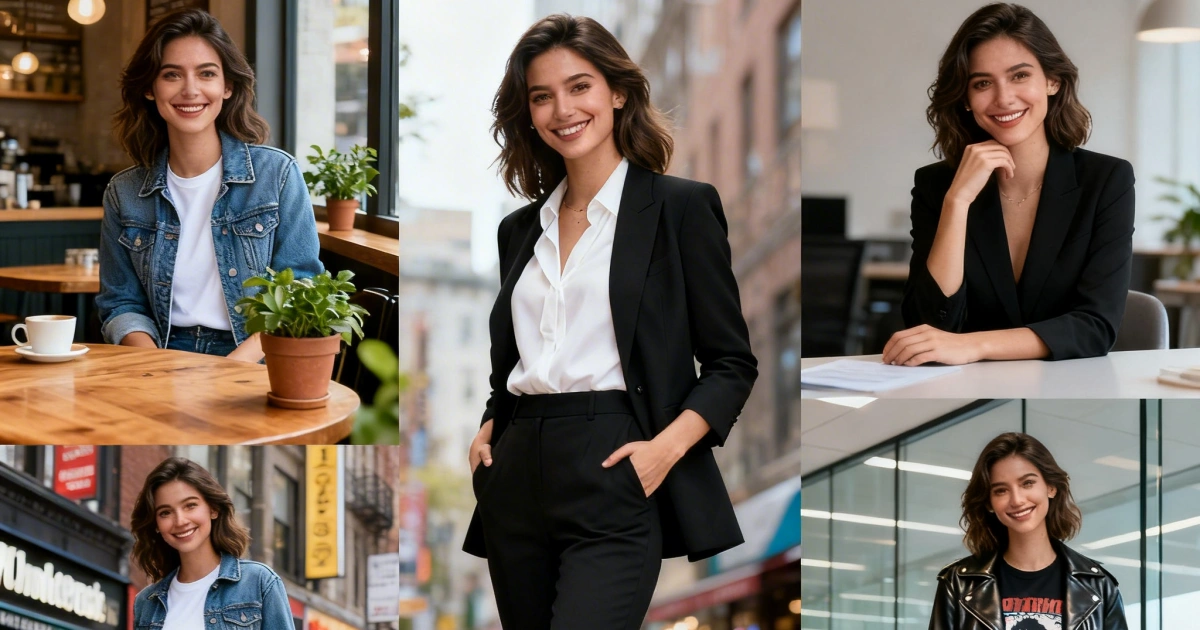
 目次
目次Why Your AI Characters Keep Changing
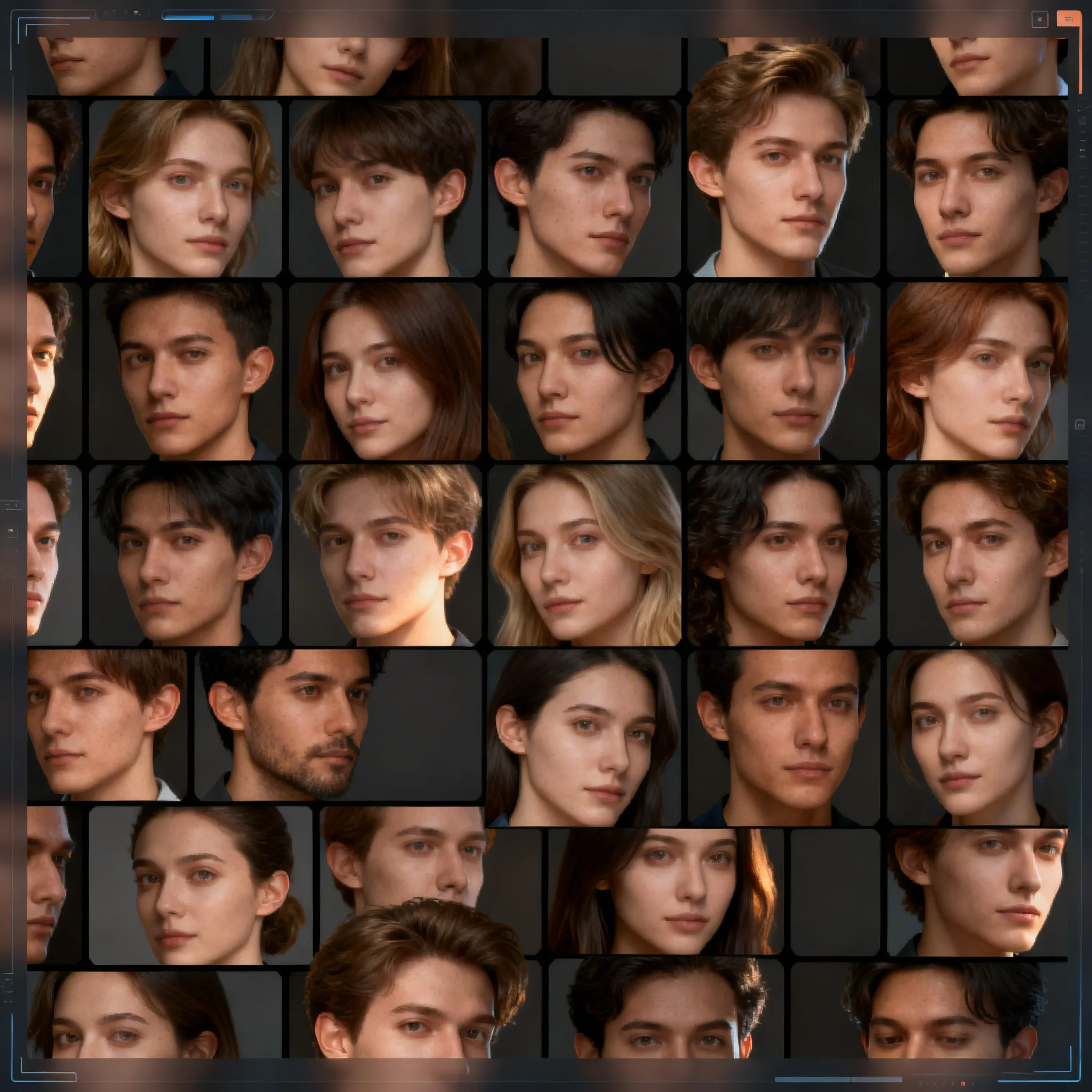
If you’ve ever tried generating the same character multiple times, you’ve probably seen this:
- Face shape changes
- Hair color shifts
- Outfit resets
- Entire identity feels “off”
This happens because AI doesn’t “remember” your character—each generation is independent.
What Is Character Consistency (And Why It Matters)
Character consistency means:
The same character maintains recognizable identity across multiple images
Including:
- Facial structure
- Hair / style
- Clothing identity
- Overall vibe
Why it matters:
- AI influencers
- Storytelling
- Branding
- Social media series
Without consistency → you can’t build recognition
Method 1: Use a Structured Prompt (Most Important)
Your prompt should define a fixed identity core:
Example (High-Consistency Prompt)
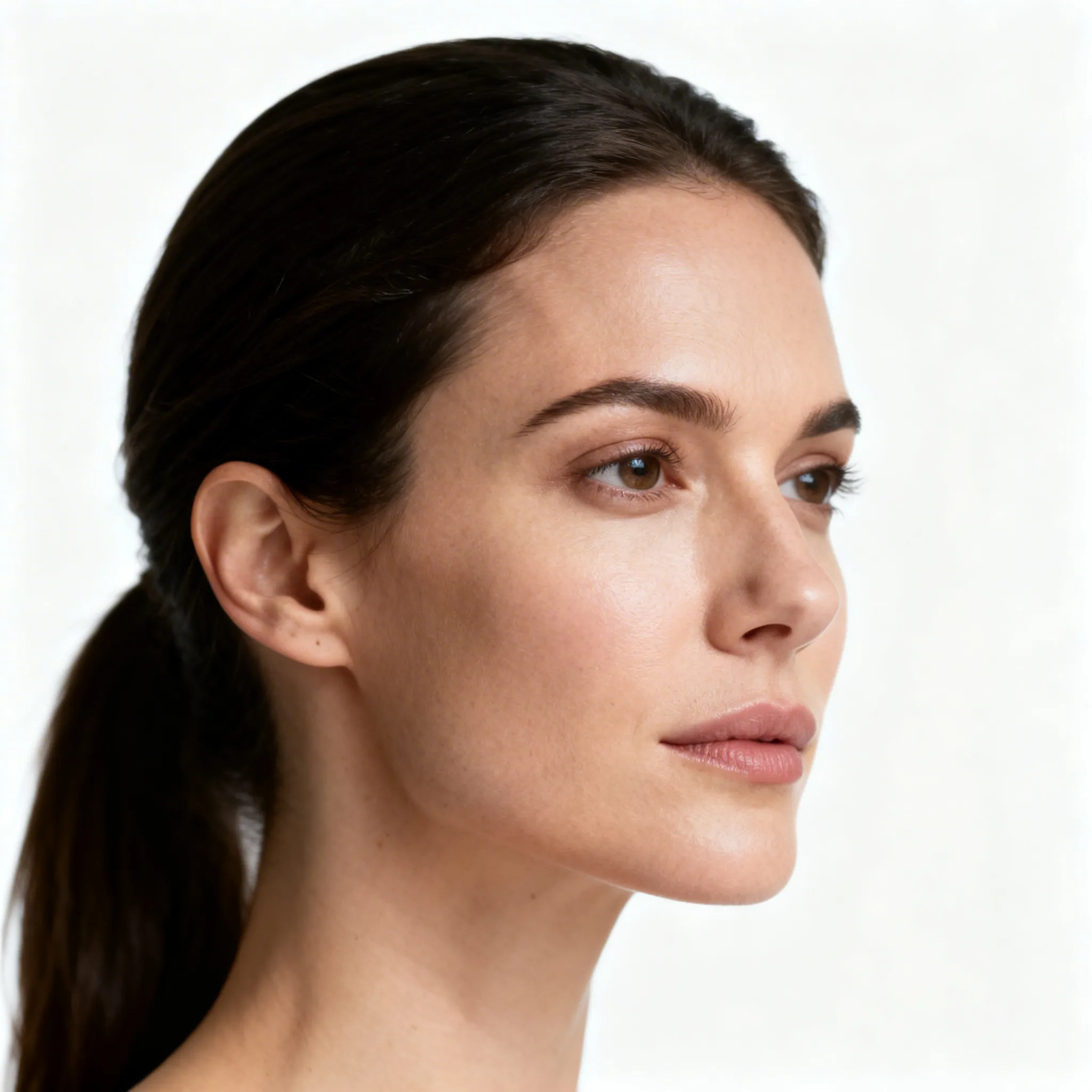
A young woman with long dark brown hair, oval face, sharp jawline, light freckles, green eyes, wearing minimal makeup, consistent facial features, realistic skin texture, photographed in different environments, 50mm lens, natural lighting, lifestyle photography
Key Rules:
- Lock facial traits (face shape > hair > eyes)
- Avoid vague words like “beautiful girl”
- Always repeat identity traits
Method 2: Generate a “Base Character” First
This is where most people fail.
Correct workflow:
- Generate one perfect base image
- Neutral background
- Clear lighting
- Face visible
Why this works:
That image becomes your “anchor” for all future generations.
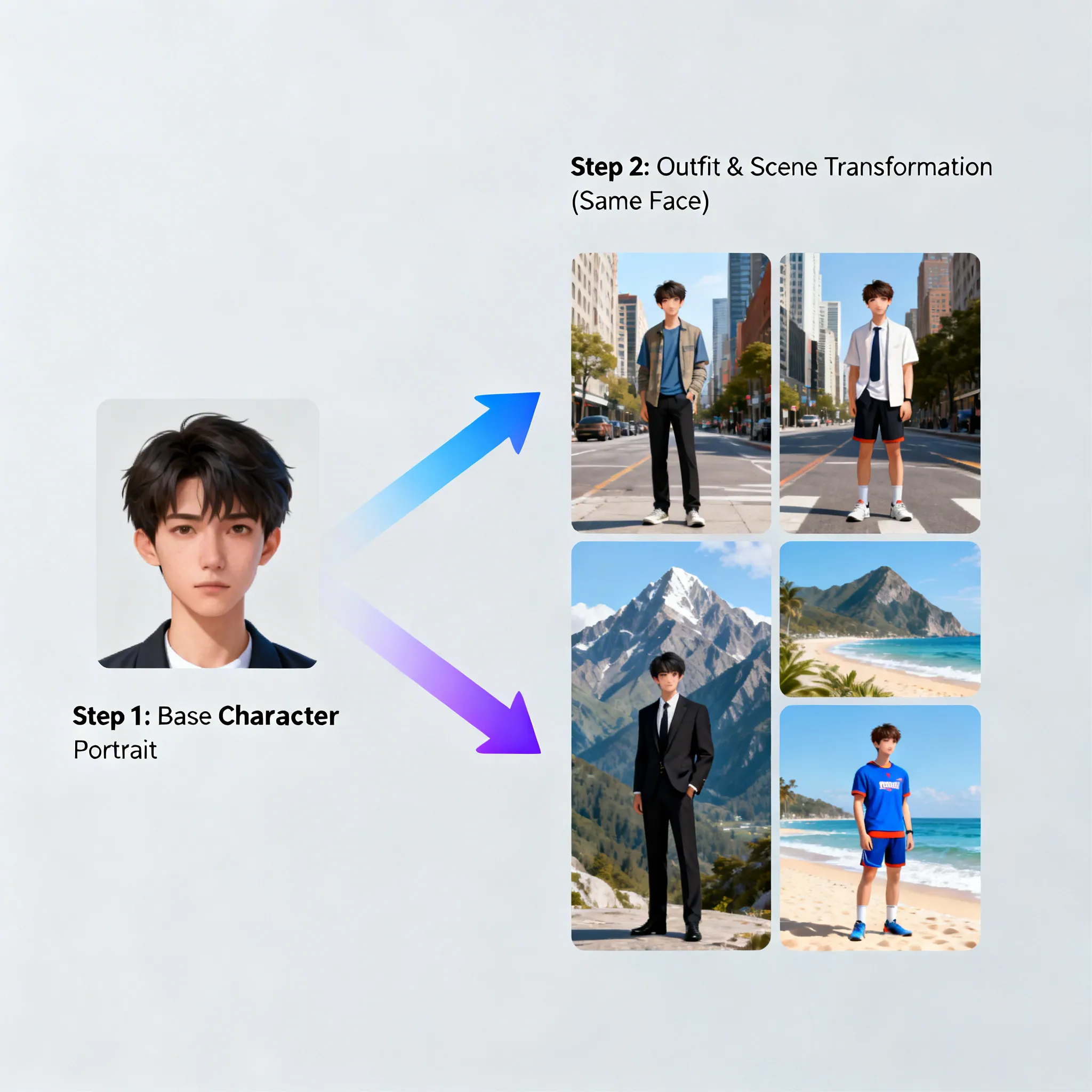
Method 3: Use Image-to-Image (Game Changer)
This is the most reliable method in 2026.
Workflow (Recommended)
- Create base character (text-to-image)
- Upload into image-to-image
- Change:
Result: Same face, new scene
Why it works:
AI now follows the reference image instead of guessing
Method 4: Control Variations (Don’t Over-Randomize)
Many users accidentally break consistency by:
❌ Changing too many variables at once
❌ Using different prompt styles
❌ Switching art styles
✅ Best practice:
Change only ONE thing at a time:
- Scene ✅
- Pose ✅
- Lighting ⚠️
- Identity ❌
Method 5: Use “Consistency Keywords”
These keywords help stabilize results:
consistent character, same person, same face, identical facial features, consistent identity, realistic skin texture
Add them to EVERY prompt
Pro Workflow (What Actually Works in 2026)
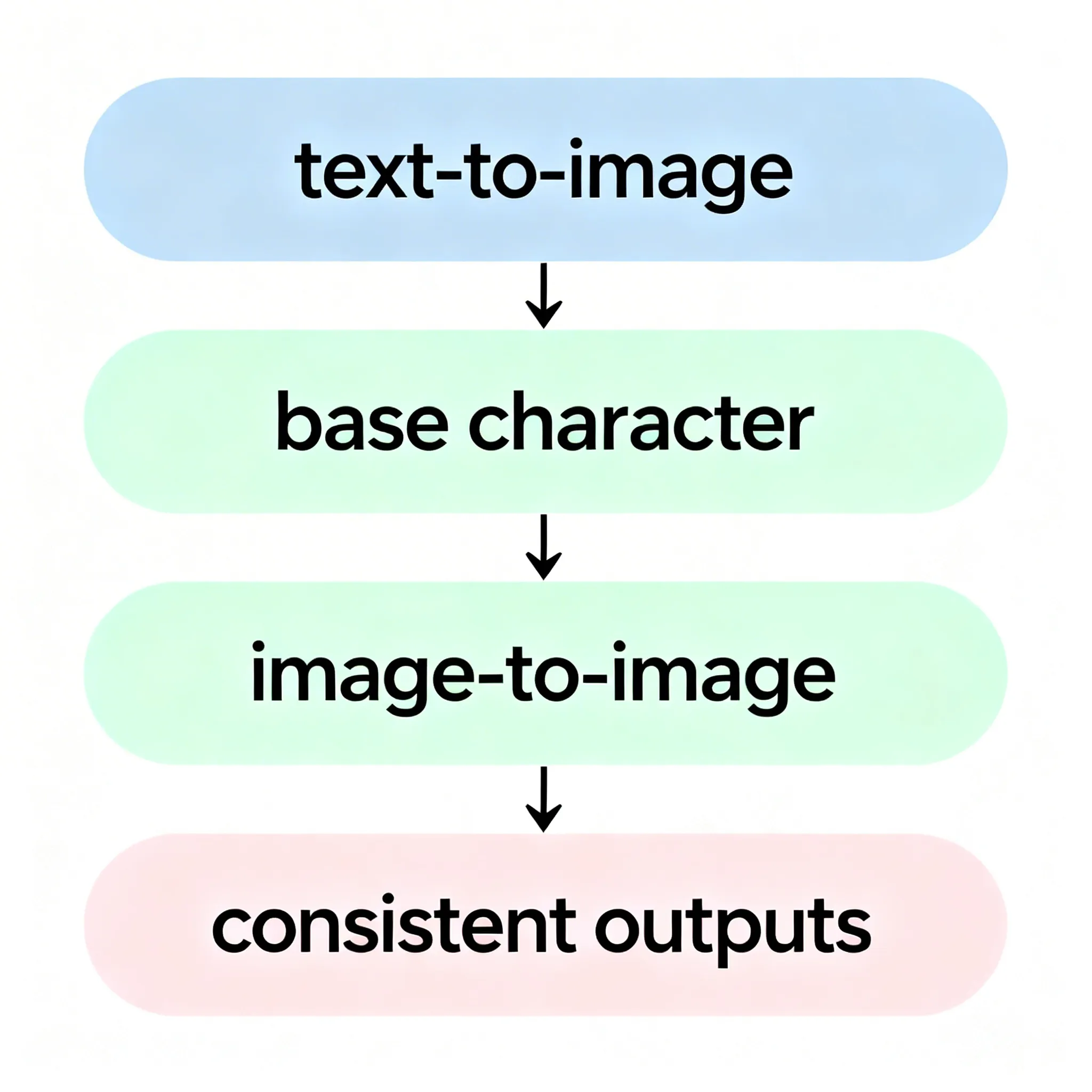
Full Pipeline:
Step 1: Text → Image→ Generate base character
Step 2: Image → Image→ Keep identity, change scenes
Step 3: Iterate→ Build content series
This is exactly where tools like viyou ai are powerful:
Common Mistakes to Avoid
- Using different prompts each time
- No reference image
- Over-stylized prompts
- Ignoring lighting consistency
Final Tips
- Build a character prompt template
- Save your best outputs as references
- Think in “systems”, not single images
Final Thoughts
Character consistency is no longer impossible—but it requires:
- Structured prompts
- Reference images
- Image-to-image workflow
Once you master this, you can:
- Build AI influencers
- Create story content
- Scale visual production